
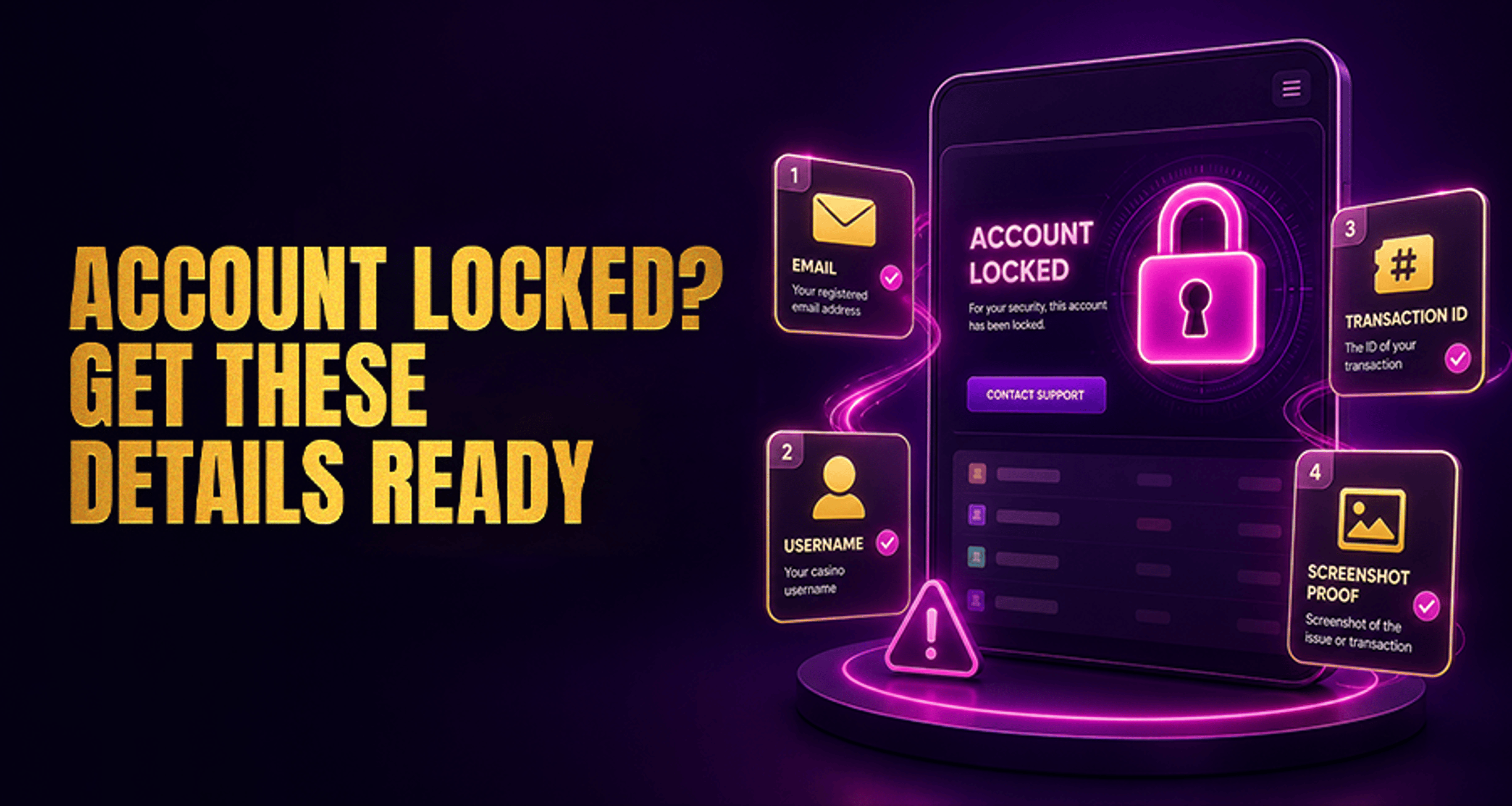
Casino Account Locked: What Information Support Usually Needs?
If your casino account is locked, the fastest next step is usually to contact official support with the right details ready. In most cases, support needs enough account-matching information to confirm you are the
If your casino account is locked, the fastest next step is usually to contact official support with the right details ready. In most cases, support needs enough account-matching information to confirm you are the account holder and to review what triggered the lock.
This guide explains what support usually asks for, what details can help reduce back-and-forth, and what you should avoid sending until the casino specifically requests it.
Why casino accounts get locked in the first place
A locked casino account can happen for several reasons, and the exact cause depends on the operator’s systems and review process. Common scenarios include:
Too many failed login attempts in a short period
A security review after unusual login activity
Information on the account that does not match previous verification details
A payment or withdrawal review
Responsible gaming or broader compliance-related checks
A lock does not always mean the account will stay restricted permanently. It usually means support or the security team needs to review the account before access can be restored.
Information support usually needs to verify your account
When you contact support, it helps to have the core account details ready exactly as they appear on the profile. Support will often ask for:
Username or player ID
Registered email address
Registered phone number
Full name on the account
Approximate account creation date
Last successful login date or time, if you remember it
When the current login issue started
The exact error message shown on screen
The more closely your details match the account record, the easier it is for support to locate the account and check the reason for the lock.
Support may also request identity confirmation details such as:
Date of birth
Registered residential address
Confirmation that your contact and profile details still match the account
If your case turns into a longer dispute or unresolved support issue, it can help to keep records in the same organized way recommended in guides about online casino complaints and fixing payout issues.
Details about recent logins, deposits, or withdrawals to have ready
If the account lock appears to be linked to account access or payments, support may ask for recent activity details. These are not always required, but they are often useful.
Recent login and access details
Be ready to share:
The date and approximate time of your recent login attempts
Whether the last successful login happened on desktop, mobile browser, or app
Your device type
Browser version or app version, if known
Operating system
Whether you recently changed location or logged in from a different network
Whether VPN or proxy use may have affected access
If you know there was an IP or location change around the time the account was locked, mention it clearly. That context may help support understand why the security system flagged the account.
Deposit and withdrawal details
When the issue may involve payments, support usually wants recent transaction context such as:
Last deposit date
Payment method type used for the deposit
Approximate deposit amount
Last withdrawal request date, if relevant
Approximate withdrawal amount
Transaction or reference IDs, if available
These details can help support match your message to account activity without requiring unnecessary back-and-forth.
Screenshots and error messages that can speed up support
Screenshots are often one of the most useful things you can provide when your casino account is locked.
If possible, include:
A screenshot of the lock notice or error message
Any email or in-account notification related to the restriction
The date and time the screenshot was taken, if visible
Try to capture the full message exactly as shown rather than paraphrasing it. Even a short error code can help support route the case more accurately.
What to do before you contact casino support
Before reaching out, take a few minutes to prepare the basics:
Check your inbox and spam folder for verification or security emails
Gather the exact account details that match your registered profile
Note the timing of the last successful login and the failed login attempts
Collect relevant deposit or withdrawal details if the issue may be payment-related
Save screenshots of any lock message, warning, or error code
Contact support only through the casino’s official website, app, or published support channels
Using official support routes is important. If documents are requested, submit them only through secure, official methods provided by the operator.
What not to send unless support asks for it
It is usually better not to send large batches of personal documents before support tells you what is needed.
Unless specifically requested, avoid sending:
Extra identity documents that support has not asked for
Unrelated payment screenshots
Multiple repeat emails with conflicting details
Information that does not match the registered account profile
A cleaner first message often works better: explain that the account is locked, provide the exact account-matching details, attach the error screenshot, and wait for support to tell you what additional verification may be needed.
FAQ
What information do I need when my casino account is locked?
Usually, support will want your username, registered email, phone number, full name on the account, approximate account creation date, last successful login, recent login issue timing, and the exact error message shown.
Will casino support ask for ID to unlock my account?
They may request identity verification in some cases, especially if the lock relates to security or account review. This is not always the first step, so it is best to wait for the operator’s specific instructions.
Do I need deposit or withdrawal details for a locked casino account?
Sometimes. If the lock appears connected to a payment review, support may ask for the last deposit date, payment method type, approximate amount, recent withdrawal details, and transaction reference IDs if you have them.
Can screenshots help resolve a locked casino account faster?
Yes, screenshots of the lock notice or error message can help support identify the issue more quickly and reduce follow-up questions.
Why was my casino account locked after a login attempt?
A recent login attempt can trigger a lock after repeated failed passwords, unusual access patterns, a location change, device changes, or a security review.
What should I check before contacting casino support about a locked account?
Check your inbox and spam folder for verification emails, confirm your account details match the registered profile exactly, gather recent login and payment details, and save screenshots of any error messages.
Final takeaway
If your casino account is locked, support usually needs a clear, account-matching checklist rather than a long explanation. Start with your username, registered contact details, full name, login timing, exact error message, and any relevant transaction context. Add screenshots when available, and use only official support channels.
That approach will not guarantee an unlock, but it can make the review process clearer and reduce unnecessary delays.





