
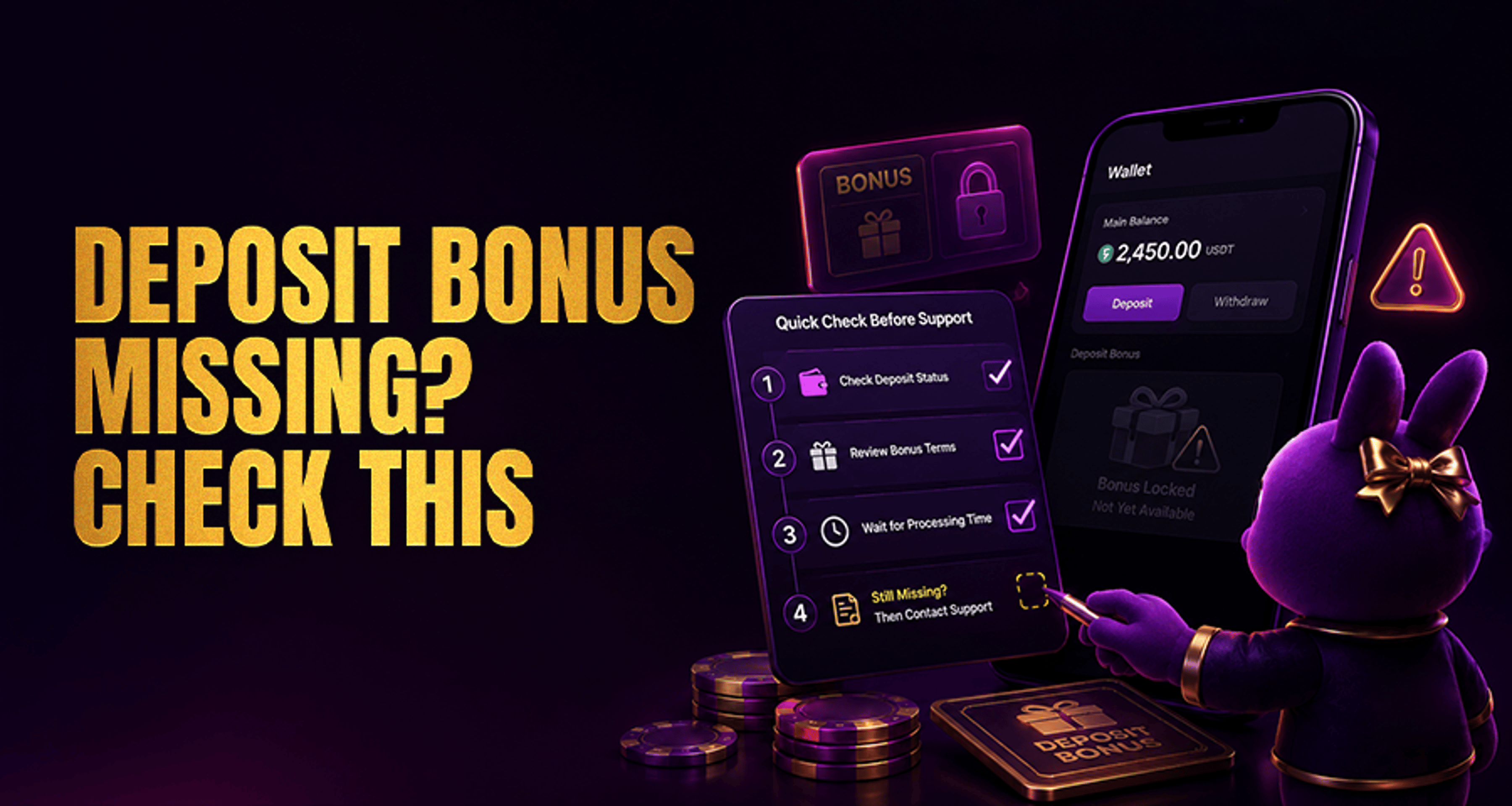
Deposit Bonus Missing: What to Check Before Contacting Support?
If your deposit bonus has not appeared after you funded your account, the fastest way to resolve it is to check the bonus conditions step by step before opening a ticket. In many cases, a bonus is not actually missing
If your deposit bonus has not appeared after you funded your account, the fastest way to resolve it is to check the bonus conditions step by step before opening a ticket. In many cases, a bonus is not actually missing—it may not have been activated correctly, may still be pending, or may be sitting in a different wallet or bonus section.
This guide walks through the most common checks so you can confirm whether the issue is related to promo activation, deposit eligibility, payment method restrictions, account status, or a delay in bonus processing.
Why a deposit bonus may look missing
A deposit bonus can appear to be missing for a few different reasons:
The promotion was not claimed or activated before the deposit
The deposit did not meet the minimum amount or required currency
The payment method was excluded from the offer
The promo code was entered incorrectly or missed entirely
The offer had expired or was limited to certain players, regions, or account states
The bonus was credited, but it is only visible in a separate bonus wallet or tab
The bonus is pending manual review or account verification
Before contacting support, it helps to separate two different situations:
The bonus was not credited at all
The bonus was credited, but you cannot see it in the expected place
That distinction will make it much easier to troubleshoot the issue and explain it clearly if you still need help later.
Check if you activated or claimed the promotion correctly
Start with the most basic question: did the promotion require an action before or during the deposit?
Some deposit offers apply only if you:
Clicked a Claim, Opt In, or Activate button
Selected the bonus during checkout or in the cashier
Entered a valid promo code before confirming the deposit
Accepted the offer from a promotions page, inbox, or account notification
If you deposited first and only noticed the offer afterward, the system may not attach that bonus retroactively. Check the promotion page and your account history to confirm whether the offer shows as activated.
If the site has a promotions or rewards area, review your current status there before escalating. If you run into broader account or payout issues beyond a missing bonus, this guide on fixing casino account issues quickly may also help.
Confirm your deposit met the bonus requirements
Next, verify that your deposit matched the offer terms exactly.
Check these points:
Minimum deposit amount: Was your deposit high enough to qualify?
Eligible currency: Did you deposit in a supported currency?
One-time or first-deposit condition: Was the offer limited to your first deposit or a specific deposit number?
Maximum qualifying amount: Did the bonus apply only up to a cap?
Even a small mismatch can prevent the bonus from triggering. For example, a user may expect a bonus after depositing, but the amount may have fallen just below the required threshold after conversion, fees, or a currency mismatch.
Go to your cashier or account history and confirm the final posted deposit amount, the time it was processed, and the currency recorded on the account.
Make sure your payment method qualifies
Not every payment option is eligible for every deposit bonus. Some promotions exclude certain funding methods, even if the deposit itself was successful.
Review whether your payment method was:
Listed as eligible in the promotion terms
Excluded because it was an e-wallet, prepaid option, transfer method, or another restricted channel
Processed in a way that counts as a standard deposit for the promotion
A successful payment does not always mean a successful bonus trigger. If the method is excluded, the deposit may appear in your balance without generating the offer.
Review the promo code and offer validity
If the promotion required a code, check whether:
You entered the code exactly as shown
The code was added in the correct field before deposit confirmation
The code was still active at the time of deposit
The code was limited to selected players, regions, or account segments
Also review the offer window carefully. A bonus may look missing when the deposit was made:
After the promotion expired
Outside the valid claim period
On an account that was not included in the offer
In a restricted region or account state
If the offer page includes terms for excluded games, player types, or bonus eligibility rules, read those sections closely. They often explain why a promotion did not attach as expected.
Check whether the bonus is pending or held for verification
Some bonuses are not added instantly. They may remain pending while the system waits for:
Deposit confirmation
Internal processing delays
Account verification steps
Manual review of bonus eligibility
Check whether your account shows any verification prompts, restricted bonus status, or pending promotion labels. If the bonus engine requires your account to be verified first, the bonus may not release until that step is complete.
This is also why it is important to distinguish between not credited yet and not visible yet. The bonus may exist in a pending state even if it has not appeared in your playable balance.
Look in the right wallet, bonus tab, or account section
Sometimes the bonus has already been credited, but it is displayed somewhere other than your main balance.
Check all relevant areas, including:
Main wallet
Bonus wallet
Promotions tab
Rewards section
Cashier or transaction history
Account notifications or messages
Some platforms show bonus funds separately from cash funds, and some attach the offer as an active promotion rather than as an immediate balance change. If you only checked your main wallet, the bonus may seem missing even though it is already attached to your account.
Confirm the deposit status in your account history
Before contacting support, confirm that the deposit itself completed successfully in your account.
Look for:
Deposit marked as completed, approved, or successful
Exact deposit timestamp
Amount received
Payment method used
Any failed, reversed, or pending transaction status
If the deposit is still pending, the bonus may not be triggered yet. If the deposit failed or was reversed, a related bonus usually would not be applied.
What to prepare before contacting support
If you finish the checklist and the deposit bonus still has not appeared, contact support with complete details so they can investigate faster.
Prepare the following:
Your username or account ID
Deposit date and exact time
Deposit amount
Account currency
Payment method used
Promotion name
Promo code, if one was required
Screenshots of the deposit confirmation, cashier history, and promotion page
A short explanation of whether the bonus was not credited at all or credited but not visible where you expected
When you contact support, keep the message specific. Mention that you already checked activation, deposit eligibility, payment method, promo code, offer validity, and account history. That gives the support team the key details they usually need to review bonus eligibility and transaction records.
Final takeaway
If your deposit bonus looks missing, do the checklist first instead of guessing or making another deposit. Most cases come down to activation steps, minimum deposit rules, payment method exclusions, promo code issues, pending status, or the bonus being visible in a different account section.
Once you confirm those points, contact support with your full deposit and promotion details if the bonus still has not appeared. That gives you the best chance of getting a clear answer quickly.
FAQ
Why is my deposit bonus not showing after I made a deposit?
The most common reasons are that the promotion was not activated correctly, the deposit did not meet the minimum requirements, the payment method was excluded, the promo code was missed, or the bonus is still pending review.
Can a deposit bonus be delayed instead of credited instantly?
Yes. Some bonuses are not applied immediately and may remain pending while the deposit is confirmed or while the account completes verification or internal review.
Do some payment methods exclude deposit bonuses?
Yes. Some promotions exclude specific payment methods, even when the deposit itself is successful. Always check the offer terms to confirm whether your chosen method qualifies.
What details should I send support if my deposit bonus is missing?
Send your username, deposit time, amount, currency, payment method, promo name or code, and screenshots of the deposit and promotion details. Also explain whether the bonus was not credited at all or simply not visible in the expected wallet or section.
Can I miss a bonus if I forgot to enter the promo code?
Yes. If the promotion required a code and it was not entered correctly before the deposit was confirmed, the bonus may not attach to the transaction.
Does account verification affect bonus crediting?
It can. Some accounts may need to complete verification or clear a review step before a bonus is released or made visible.





