
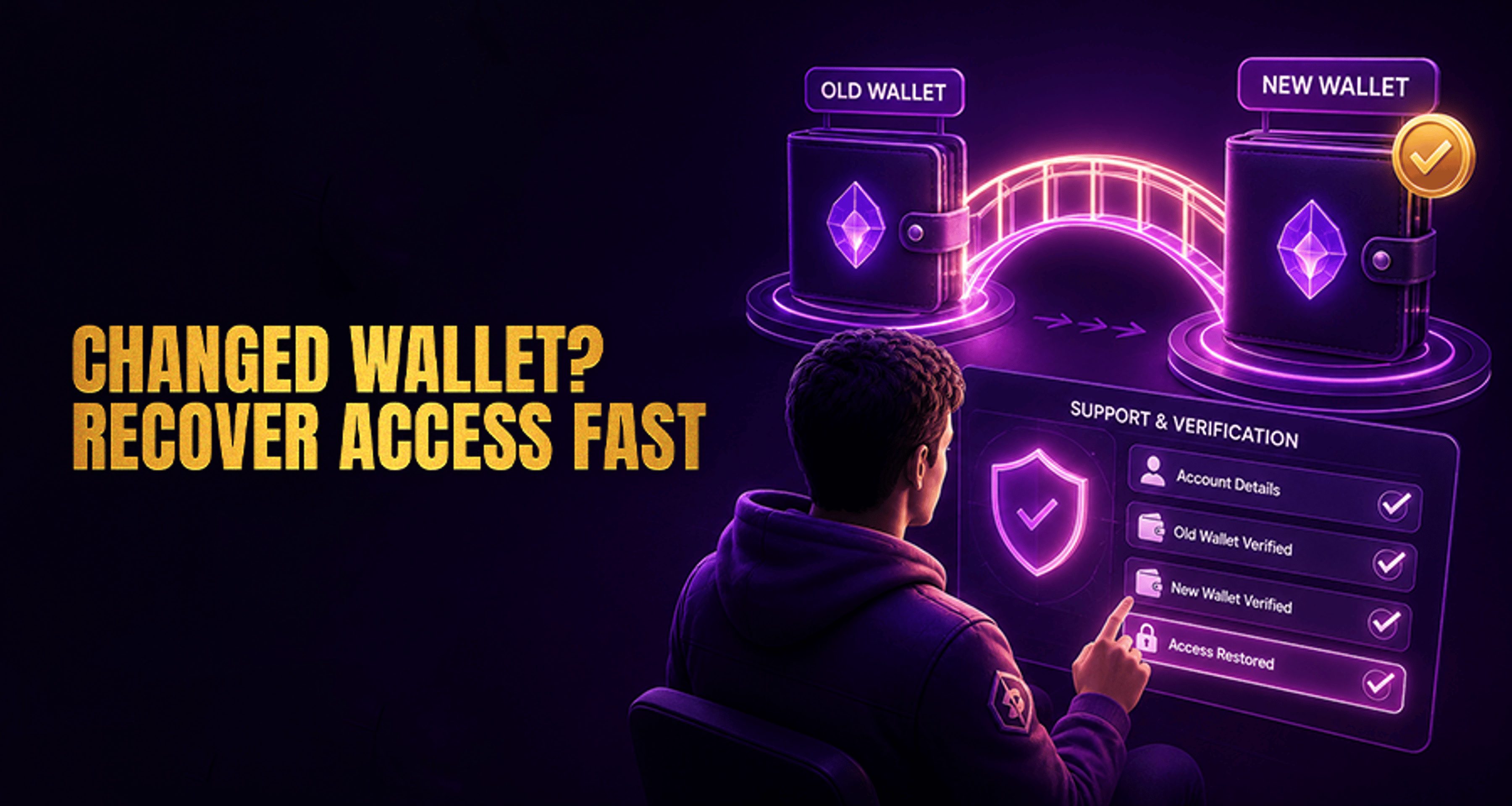
How to Recover Access After Changing Your Crypto Wallet?
If you need to recover access after changing your crypto wallet, the fastest path is usually a support-led review with complete account and wallet details.
Changing wallets can interrupt access to parts of your casino account, especially when a platform needs to confirm that a new wallet is connected to the right user and the right transaction history. If you need to recover access after changing your crypto wallet, the fastest path is usually a support-led review with complete account and wallet details.
This guide explains what to prepare, what Casino Support may ask for, and how to handle common problems without assuming every wallet change will be approved automatically.
Why changing your crypto wallet can affect account access
A wallet change can create a mismatch between the details previously associated with your account and the details you are trying to use now. That can happen in several common situations:
You changed wallet apps
You replaced your device
You rotated to a new receiving address
You migrated to a different wallet provider
You lost access to the wallet you used before
From a support perspective, the issue is usually not the wallet change itself. The problem is confirming that the account, the previous wallet activity, and the new wallet details all belong to the same user.
That is why some platforms pause updates or ask for more information before they restore withdrawal-related wallet access.
What to prepare before contacting Casino Support
Before you contact Casino Support, gather the details that help the team identify your account and understand what changed.
Account details
Prepare:
Username
Registered email address
Any account ID if available
Approximate dates of recent deposits or withdrawals
Old wallet context
If you still have it, collect:
Previous wallet address
Coin used
Network used
Approximate dates and amounts of transactions linked to that wallet
New wallet context
Also prepare:
New wallet address
Coin and network you want to use now
When you switched wallets
Reason for the change, such as new device, new wallet app, or lost access to the old wallet
Helpful supporting records
Support may also ask for:
Transaction hashes if you have them
Screenshots of wallet history
Screenshots showing the new wallet details
Any records that connect your account activity to the old and new wallet setup
The more complete your information is at the start, the easier it is for support to review your case. If your issue is part of a broader payout dispute, this related guide on fixing online casino payment issues fast may also help you organize the right details.
How to recover access after changing your crypto wallet
If you want to recover access after changing crypto wallet details, a simple support flow usually works best.
1. Identify the affected account area
Be clear about what stopped working. For example:
You cannot confirm withdrawals to the new wallet
Your old wallet is still associated with the account
A withdrawal was paused after the wallet change
You changed both wallet and device and now cannot complete the normal account flow
This helps Casino Support route your request correctly.
2. Explain exactly what changed
In your first message, state whether you:
Switched wallet apps
Moved to a different wallet provider
Replaced your phone or computer
Started using a new receiving address
Lost access to the original wallet
Avoid vague messages like “my wallet does not work.” A short timeline is much more useful.
3. Send the matching account and transaction details
Include the account details, transaction dates, wallet addresses, coin, and network information together in one request if possible. Missing context is one of the main reasons support cases take longer.
4. Wait for support instructions and complete verification
Casino Support may ask you to confirm prior transaction activity, provide screenshots, or clarify which wallet and network should be associated with future activity. Follow those instructions carefully and send only the requested information.
5. Check for follow-up questions
If support replies with a mismatch question, respond directly and keep the timeline consistent. Small differences in dates, wallet addresses, or network details can slow the review.
What to do if you no longer have access to the old wallet
Losing access to the old wallet does not always mean your case cannot be reviewed, but it can make the process harder.
If that applies to you, send:
Your account details
Approximate dates of deposits or withdrawals tied to the old wallet
Any saved screenshots or transaction records
The new wallet details you want support to review
A brief explanation of why the old wallet is no longer accessible
Support may still need enough evidence to connect the old wallet activity to your account history. If you have transaction records but not the wallet itself, that context can still be useful.
If the problem involves unauthorized access, missing funds, or signs that the old wallet was compromised, that is a different issue from a routine wallet change. In that case, follow the support path for a hacked-wallet or security-related incident rather than treating it as a standard wallet update.
Common reasons support may delay or reject a wallet update
Support reviews can take longer when the wallet change is not clearly documented. Common friction points include:
Account details do not match prior activity
Transaction dates or amounts are incomplete
Old and new wallet context is unclear
The coin or network is unsupported for that account flow
Screenshots or records do not show enough detail
The user changed both device and wallet at the same time, making verification more complex
This does not automatically mean your request will be denied. It usually means support needs a clearer chain of information before advising on next steps.
If your concern is expanding beyond a simple update into a larger account dispute, keeping organized documentation matters. That is also where the guide to Online Casino Complaints Fix Issues Get Paid Fast can be relevant.
When this issue is different from a hacked wallet problem
Changing wallets and recovering account access is not the same as dealing with a hacked wallet.
A wallet-change case usually means:
You switched wallets intentionally
You replaced a device
You rotated to a new address
You need support to review updated wallet details
A hacked-wallet or compromise case usually means:
You suspect unauthorized access
Funds moved unexpectedly
Your credentials or wallet control may have been exposed
You need a security-focused support path instead of a standard update request
Choosing the right category matters because support teams often handle routine wallet changes differently from security incidents.
Contacting Casino Support the right way
When you contact Casino Support, keep your request simple, complete, and specific. A good message should include:
Username and registered email
What changed with your wallet
Old wallet details if available
New wallet details
Approximate transaction dates and amounts
Coin and network used
Any screenshots or records that support the timeline
That gives the team the best chance to review your case and advise on the next steps without unnecessary back-and-forth.
FAQ
Can I recover access if I changed to a new crypto wallet?
In many cases, you can ask Casino Support to review the wallet change and your account history. Approval is not automatic, but complete account and transaction details usually give support a clearer basis for review.
What details should I send support after changing my wallet?
Send your username, registered email, approximate transaction dates, previous wallet details if available, new wallet details, and any screenshots or transaction records that help show the change.
Do I need access to my old wallet to update my account?
Not always. If you no longer have access to the old wallet, support may still review your case based on transaction history, account details, and any saved records. The process may involve more verification.
How long does wallet access recovery usually take?
Timing varies by platform, the completeness of your evidence, and whether support sees any mismatched details. Cases with clear records are usually easier to review than cases with missing wallet or network information.
What if I changed both my device and my crypto wallet?
Tell Casino Support both changes happened. That extra context matters because changing device and wallet together can make verification more detailed.
What should I do if I used the wrong network or wallet address?
Contact Casino Support immediately with the transaction date, coin, amount, wallet address used, and network used. Support may explain what can be checked next, but outcomes depend on the transaction context and platform process.
Final takeaway
If you need to recover access after changing your crypto wallet, the best next step is to contact Casino Support with complete account details, old and new wallet context, and any transaction records you still have. A clear, support-ready summary helps the team review your case and advise you on the proper next steps.





