
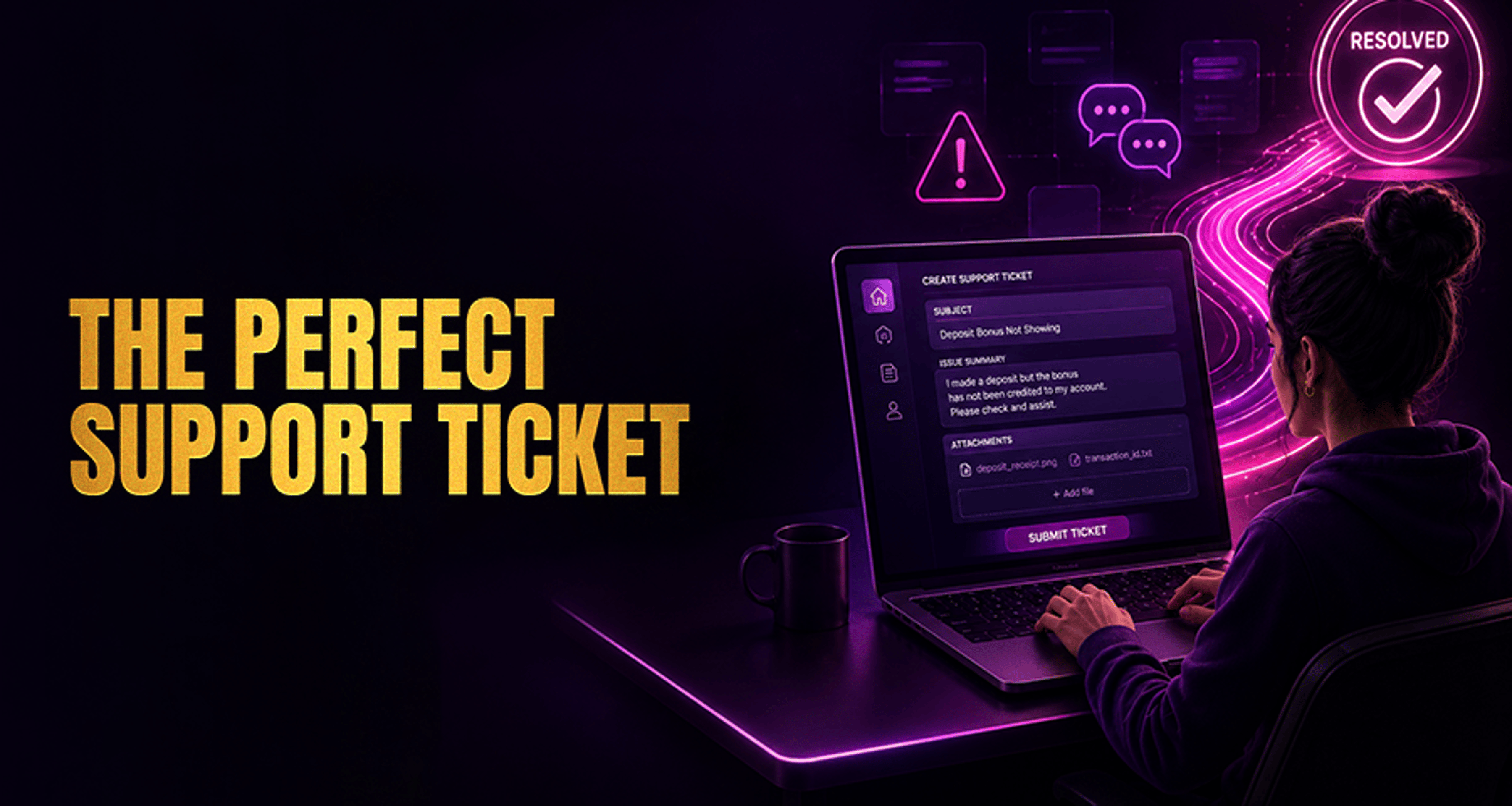
How to Write a Support Ticket That Gets Resolved Faster?
If you need help from casino support, the fastest way to move your case forward is to send a clear, complete, and focused ticket from the start.
If you need help from casino support, the fastest way to move your case forward is to send a clear, complete, and focused ticket from the start. A well-written message helps the support team understand the issue, verify the right details, and avoid unnecessary back-and-forth.
This guide explains how to write a support ticket that is easier to triage and resolve, what details to include in the first message, and what mistakes commonly slow things down.
Why some support tickets get delayed
Many support delays happen because the first message does not include enough information to identify the problem. If a ticket is vague or mixes several issues together, support usually has to reply with follow-up questions before they can investigate.
Common reasons a ticket takes longer to process include:
No account identifier or incorrect account details
A subject line that does not explain the issue
Missing timeline of what happened and when
No screenshots, transaction reference, or error message when relevant
Several unrelated problems combined in one ticket
Emotional or unclear wording that makes the issue harder to understand
If your problem involves a dispute or unresolved payment concern, it may also help to review practical next steps in this guide on fixing common online casino complaints.
What to include in a support ticket from the start
A strong support ticket should give the team the exact details they need to identify your account, understand the issue, and check the right records.
Include these essentials in your first message:
Account identifier: username, registered email, or customer ID
Issue summary: one sentence explaining the problem
Timeline: when the issue started and what happened in order
Device details: device type, operating system, browser, or app version
Payment method: if the issue involves deposits, withdrawals, or verification tied to payment activity
Evidence: screenshots, error messages, transaction IDs, or reference numbers
Steps already tried: login reset, cache clearing, app reinstall, payment retry, or other troubleshooting
When possible, keep it to one issue per ticket. If you report login trouble, a withdrawal delay, and a bonus issue in the same message, support may need to separate the case before investigating.
Best format for a support ticket that is easy to resolve
Use a simple structure so the support team can scan your message quickly.
Step 1: Write a clear subject line
Your subject line should tell support exactly what the issue is.
Good examples:
Withdrawal pending for 48 hours - account johndoe88
Cannot log in after password reset - registered email [email protected]
Deposit completed but balance not updated - Visa payment on 12 May
Game freezes on spin screen in mobile app version 4.2.1
Avoid subject lines like:
Help me
Urgent problem
Please reply ASAP
Account issue
Step 2: Start with a short issue summary
In the first sentence, explain the problem as directly as possible.
Example:
I cannot access my account after resetting my password, and the new password is not being accepted.
That is much better than a long emotional introduction that delays the actual issue.
Step 3: Describe the issue in chronological order
Support teams work faster when events are presented factually and in order.
A useful structure is:
What you were trying to do
What happened
When it happened
What you tried already
What result you saw
Example:
On 12 May at around 8:30 PM, I tried to log in through the Android app. The password did not work, so I used the password reset link. I created a new password successfully, but the app still says "invalid credentials." I also tried logging in through Chrome on desktop and got the same result.
Step 4: Add technical or payment details if relevant
The right extra details depend on the type of issue.
For urgent issue reporting
Include:
Exact issue summary
Time the issue started
Whether it is ongoing or intermittent
Screenshot or exact error message
What action is currently blocked
For account or access problems
Include:
Username or registered email
Whether 2FA, password reset, or verification is involved
Devices or browsers tested
Any error message shown
Steps already tried
For payment issues
Include:
Payment method used
Deposit or withdrawal amount
Date and time of transaction
Transaction ID or reference number
Whether the money left your bank or wallet
Screenshot of the transaction status if available
For technical bug reports
Include:
Game, page, or feature affected
Device model
Operating system
Browser or app version
Steps to reproduce the bug
Screenshot or screen recording if possible
Support ticket examples for common casino issues
Below are sample formats you can adapt.
Example 1: Login problem
Subject: Cannot log in after password reset - account john88
Message:
Hello Support,
I cannot log in to my account after resetting my password.
My username is john88 and my registered email is [email protected].
Today at about 9:15 AM, I used the password reset link and created a new password. After that, I tried logging in through the website on Chrome and through the Android app, but both showed an invalid credentials error.
I have already:
Reset the password once more
Cleared browser cache
Tried a second device
Please help me check whether there is an account access issue on your side.
Thank you.
Example 2: Withdrawal delay
Subject: Withdrawal pending since 14 May - account rubyplayer21
Message:
Hello Support,
I am contacting you about a pending withdrawal.
My username is rubyplayer21. I submitted a withdrawal on 14 May at around 3:40 PM using bank transfer. The amount was $250, and the transaction is still showing as pending in my account.
I have attached a screenshot of the withdrawal status. Please let me know if any additional verification or account review is needed.
Thank you.
Example 3: Deposit not credited
Subject: Deposit completed but casino balance not updated - Mastercard on 16 May
Message:
Hello Support,
My recent deposit appears to have completed, but the funds have not been added to my casino balance.
My registered email is [email protected]. On 16 May at approximately 7:10 PM, I made a deposit using Mastercard. The payment was approved by my bank, but my account balance did not change.
I have attached the payment confirmation and a screenshot of my current balance. I also logged out and back in, but the issue remains.
Please check the transaction status when possible.
Thank you.
Example 4: Technical bug
Subject: Blackjack game freezes after bet confirmation - iPhone Safari
Message:
Hello Support,
I want to report a technical issue in the Blackjack game.
The game freezes after I confirm my bet, and I cannot continue to the next screen. This started on 17 May at around 10:00 PM.
I am using an iPhone 13 with iOS 17 and Safari. I refreshed the page, switched from mobile data to Wi-Fi, and restarted the browser, but the issue still happens.
I have attached a screenshot of the frozen screen. Please let me know if you need any additional details.
Thank you.
Mistakes that slow down ticket resolution
Even a real problem can take longer to review if the message is hard to process.
Avoid these common mistakes:
Vague wording: "My account is broken" does not explain the issue
Missing details: no username, no timestamp, no transaction reference, or no device info
Emotional language: frustration is understandable, but insults or aggressive language usually do not help clarify the case
Multiple issues in one ticket: mixing payment, login, and bonus issues creates confusion
Wall-of-text messages: long unstructured paragraphs are harder to review quickly
Repeated duplicate tickets: sending the same issue multiple times can make tracking harder
A short, factual, organized message usually works better than a long complaint.
When and how to follow up on a support ticket
After submitting your ticket, give support enough time to review it based on the issue type and current queue volume. Response times vary, and some issues may require checks by specialist teams.
If you need to follow up:
Reply in the same ticket thread when possible
Restate the ticket number or subject line
Add only new information, such as a new screenshot or updated status
Do not open multiple new tickets for the same issue unless the help center specifically tells you to
A good follow-up message can be as simple as:
Hello, I am following up on ticket #12345 regarding my pending withdrawal. The status is unchanged as of today, and I have attached an updated screenshot. Please let me know if anything else is required from me.
FAQ
What should I include in a support ticket to avoid delays?
Include your account identifier, a one-line issue summary, when the issue happened, device or app details, payment method if relevant, screenshots or error messages, and the steps you already tried.
How long should a support ticket message be?
Keep it concise but complete. A few short paragraphs or bullet points are usually enough if they include all key details.
Should I send multiple support tickets for the same issue?
Usually no. It is better to keep updates in one ticket thread unless the help center specifically asks you to open a separate case.
Can screenshots help resolve a support issue faster?
Yes, screenshots and exact error messages can make it easier for support to identify the problem and reduce follow-up questions.
What is the best subject line for a support ticket?
The best subject line is specific and factual. It should name the issue, and when useful, include the account reference or transaction context.
When should I follow up if support has not replied?
Follow up after a reasonable wait based on the issue and the support channel's usual response pattern. Keep the follow-up in the same thread and include any new relevant details.
Final tip before you submit
Before sending your message, check that your ticket includes the account reference, issue summary, timeline, relevant evidence, and troubleshooting steps already tried. Then submit it through the official casino support channel or help center so the right team can review it.
Using this checklist will not guarantee a result, but it can help your issue reach support in a format that is easier to understand and investigate.





