
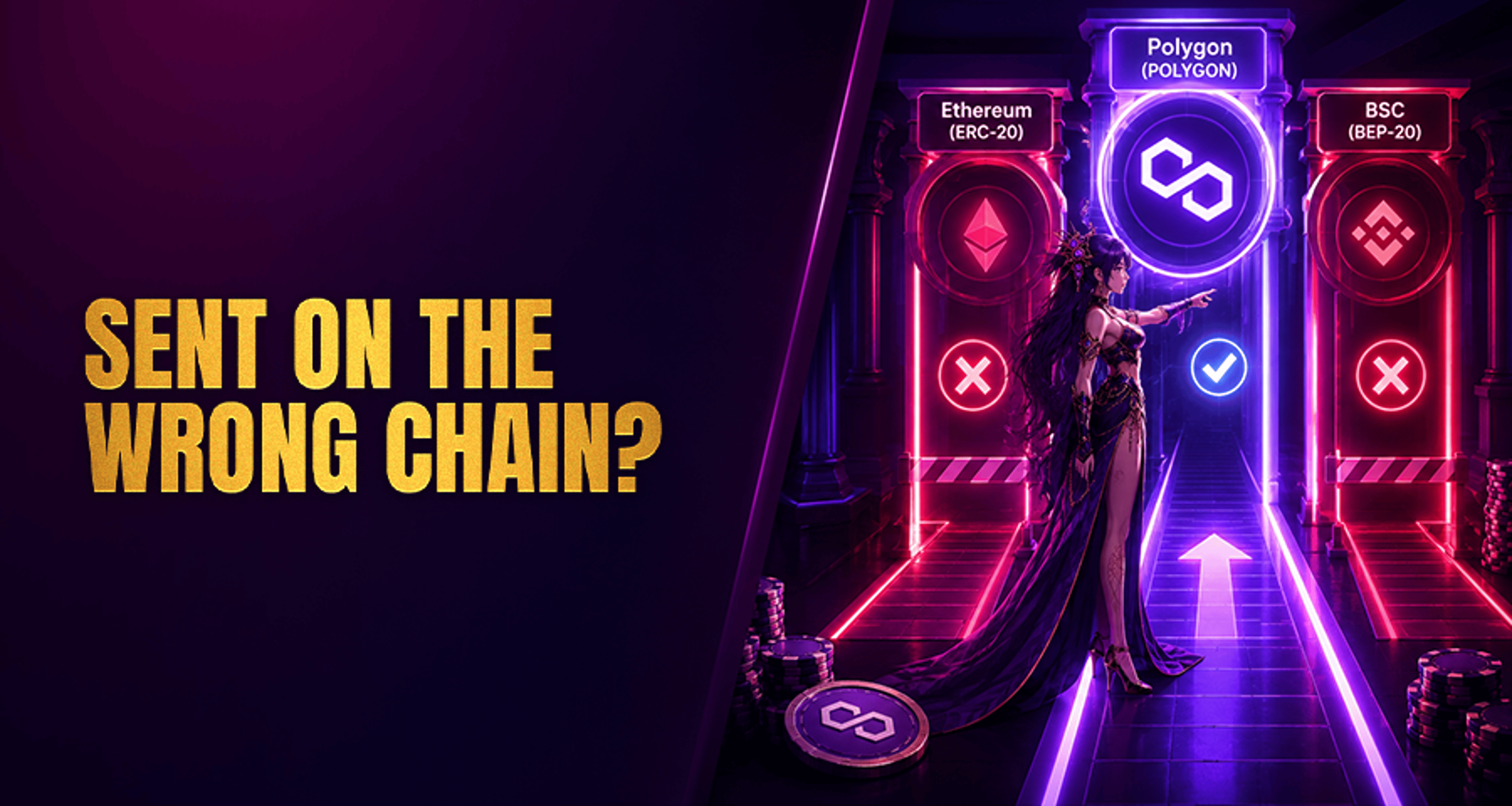
Polygon Casino Deposits: How to Avoid Sending on the Wrong Chain?
Polygon casino deposits can fail even when the token ticker looks correct. The usual problem is not the coin name alone, but the network used to send it. I
Polygon casino deposits can fail even when the token ticker looks correct. The usual problem is not the coin name alone, but the network used to send it. If a casino supports deposits on Polygon and you send the same-looking asset over Ethereum, BNB Smart Chain, Arbitrum, or another unsupported route, the transfer may not credit automatically.
This guide explains what “wrong chain” means for Polygon deposits, how to verify the right network before sending, and what to do if your deposit is delayed or sent incorrectly.
What “sending on the wrong chain” means for Polygon casino deposits
In a Polygon casino deposit flow, “sending on the wrong chain” means you used a different blockchain network than the one the casino told you to use.
For example, a casino may provide a deposit address for Polygon. If you send funds using:
Ethereum (ERC-20)
BNB Smart Chain (BEP-20)
Arbitrum
Another bridge or unsupported route
then the asset may arrive on a different network than the casino expects. Even if the token name looks the same, the deposit system may not detect or credit it.
That is the key issue: same token ticker does not always mean same network.
Why Polygon deposits fail even when the token name looks right
A common mistake is assuming that if a wallet or exchange shows the same asset name, the transfer will work everywhere. In practice, the network selection is often the real failure point.
Here are the most common reasons Polygon deposits go wrong:
Choosing ERC-20 instead of Polygon
Many exchanges and wallets let you withdraw the same token on multiple networks. You might see options such as Ethereum, Polygon, BNB Smart Chain, or Arbitrum in the same menu. If the casino only supports Polygon for that deposit, selecting ERC-20 can cause a failed or missing credit.
Sending an unsupported asset to a Polygon deposit address
A Polygon deposit address does not mean every asset on Polygon is supported. The casino may accept only specific coins or tokens on that network. If you send an unsupported asset, the transfer may complete onchain but still not appear in your casino balance.
Assuming the token name guarantees compatibility
Token names can look familiar across chains, but support is usually based on both asset and network together. A casino may support one version of a token but not another.
Using a bridge path the casino does not support
Some users move funds through wallets, exchanges, or bridging tools and assume the final result will credit normally. But if the casino deposit flow is set up for direct deposits on Polygon only, unsupported routing can create delays or non-credit situations.
If you are comparing broader payment options before choosing crypto, it helps to review how different methods handle speed, safety, and operational risk in guides like Best Online Casino Payment Methods.
How to confirm a casino supports Polygon before you send
Before sending anything, check the casino deposit page carefully. Do not rely on memory or on what a token supports elsewhere.
Look for these fields and labels:
Network
Chain
Asset
Receive address
You want to confirm two things:
The casino supports Polygon for this deposit.
The casino supports the exact token you plan to send on Polygon.
On the casino side
Open the deposit section and verify:
The selected crypto deposit method lists Polygon as the supported network
The asset shown matches what you plan to send
The receive address is the one generated for that deposit flow
Any posted minimum deposit rule is above the amount you plan to send
Any instructions about reference details, memo, or tag fields are followed if the platform displays them
On the sending platform side
Before you confirm the transfer in your wallet or exchange, double-check:
The selected Asset is correct
The selected Network or Chain is Polygon
The pasted Receive address exactly matches the casino deposit address
The withdrawal amount meets any casino minimum
The interface does not default to another network automatically
This matters because some exchanges highlight the cheapest or most recently used network, which may not be the one your casino deposit supports.
Checklist: how to avoid sending a Polygon casino deposit on the wrong network
Use this checklist every time, especially for a first deposit.
1. Confirm the casino-supported network
Check the deposit page and make sure the casino explicitly supports Polygon for that asset. Do not assume support because the casino accepts crypto generally.
2. Confirm the supported token
Make sure the token you are sending is actually accepted on Polygon in that deposit flow. A Polygon address is not a universal destination for every token.
3. Copy the exact deposit address
Use the address shown in the casino cashier or deposit page. Avoid retyping it manually. Paste it into your wallet or exchange and compare the first and last characters before sending.
4. Review minimum deposit rules
Some deposits are delayed or not credited automatically because the amount is below the posted minimum. That can create confusion even when the network itself is correct. For a better sense of how thresholds affect crypto deposits and withdrawals, see Crypto Casino Transaction Limits and Withdrawals.
5. Check whether any memo or tag field is required
Polygon deposits often rely mainly on the address, but you should still read the deposit instructions carefully. If the casino shows an extra reference field, include it exactly as instructed.
6. Review the wallet or exchange labels one more time
Right before confirming, re-read:
Network
Chain
Asset
Receive address
This final pause catches many avoidable mistakes.
7. Send a small test transaction first
If you are making a larger deposit, send a small test amount first. Wait for it to arrive before sending the full amount. This is one of the simplest ways to reduce the risk of a wrong-chain or unsupported-asset mistake.
For users weighing crypto against other deposit routes, it can also help to compare the tradeoffs in Casino Payment Methods Compared: Speed, Safety, and Fees.
When a small test transaction can save a larger deposit
A test transaction is useful when:
You are using this casino for the first time
You are using a new wallet or exchange
Multiple network options appear for the same asset
You are sending a larger amount than usual
A successful small deposit confirms that:
The address is correct
The selected network is correct
The asset appears to be supported
The deposit flow is functioning normally
It does not remove all risk, but it can prevent a much larger error.
What to do if you already sent your deposit on the wrong chain
If you think you made a mistake, act quickly but keep expectations realistic.
1. Check the transaction status
Find the transaction hash in your wallet or exchange and confirm whether the transfer is:
Pending
Completed onchain
Sent on a different network than intended
2. Compare what you sent against the casino deposit instructions
Review:
Network used
Asset sent
Deposit address used
Amount sent
Any extra reference details required
3. Contact casino support if the transfer is delayed or misrouted
If the deposit has not credited, contact the casino’s deposit help or support flow and provide:
Your transaction hash
The asset sent
The network used
The destination address
The amount
The approximate send time
This gives support the details they need to check whether the transfer is pending, unsupported, or potentially reviewable.
4. Understand the limits of recovery
Support may be able to review some cases, especially if the funds can be identified and the platform has a process for manual investigation. But you should not assume recovery is possible. Wrong-chain transfers can be delayed, unsupported, or unrecoverable depending on the platform setup and the exact error.
Short troubleshooting guide for Polygon casino deposits
The deposit is pending
If your transaction is still pending, wait for confirmation on the sending side first. A casino usually cannot credit a transfer that has not completed onchain.
The deposit shows completed onchain, but not in the casino account
Check whether:
You used Polygon and not another network
The token is supported by the casino
The amount met the minimum deposit requirement
You copied the correct receive address
If all of those seem correct, contact support with the transaction hash.
You sent on an unsupported chain
If you sent via Ethereum, BNB Smart Chain, Arbitrum, or another unsupported path when the casino expected Polygon, automatic credit is unlikely. Contact support, but be careful not to expect a guaranteed fix.
You sent the wrong asset
Even on Polygon, unsupported assets may not credit. Gather the transfer details and contact support for guidance.
FAQ
Can I recover a Polygon casino deposit sent on the wrong chain?
Sometimes support can review a case, but recovery is not guaranteed. It depends on the platform’s systems, the network used, and the exact asset involved.
Is Polygon the same as ERC-20 when depositing to a casino?
No. ERC-20 usually refers to Ethereum network tokens, while Polygon is a different network. The token name may look similar, but the chain is not the same.
Why is my Polygon casino deposit not showing up?
Common reasons include selecting the wrong network, sending an unsupported token, missing a minimum deposit rule, or the transfer still being pending.
Should I send a test transaction before a large Polygon deposit?
Yes. A small test transaction can help confirm the address, network, and asset are correct before you send a larger amount.
Can I send any token on Polygon to a casino deposit address?
No. You should send only the specific asset the casino says it supports on Polygon for that deposit flow.
Final takeaway
The safest way to avoid a wrong-chain Polygon casino deposit is to treat network selection as the main checkpoint, not just the token name. Confirm the casino supports Polygon, confirm the exact token, copy the right receive address, check the minimum deposit rule, and send a small test first.
If a transfer is delayed or misrouted, use the casino’s deposit support flow and provide the transaction hash and full transfer details. That gives you the best chance of getting a clear answer without assuming the funds can always be recovered.





