
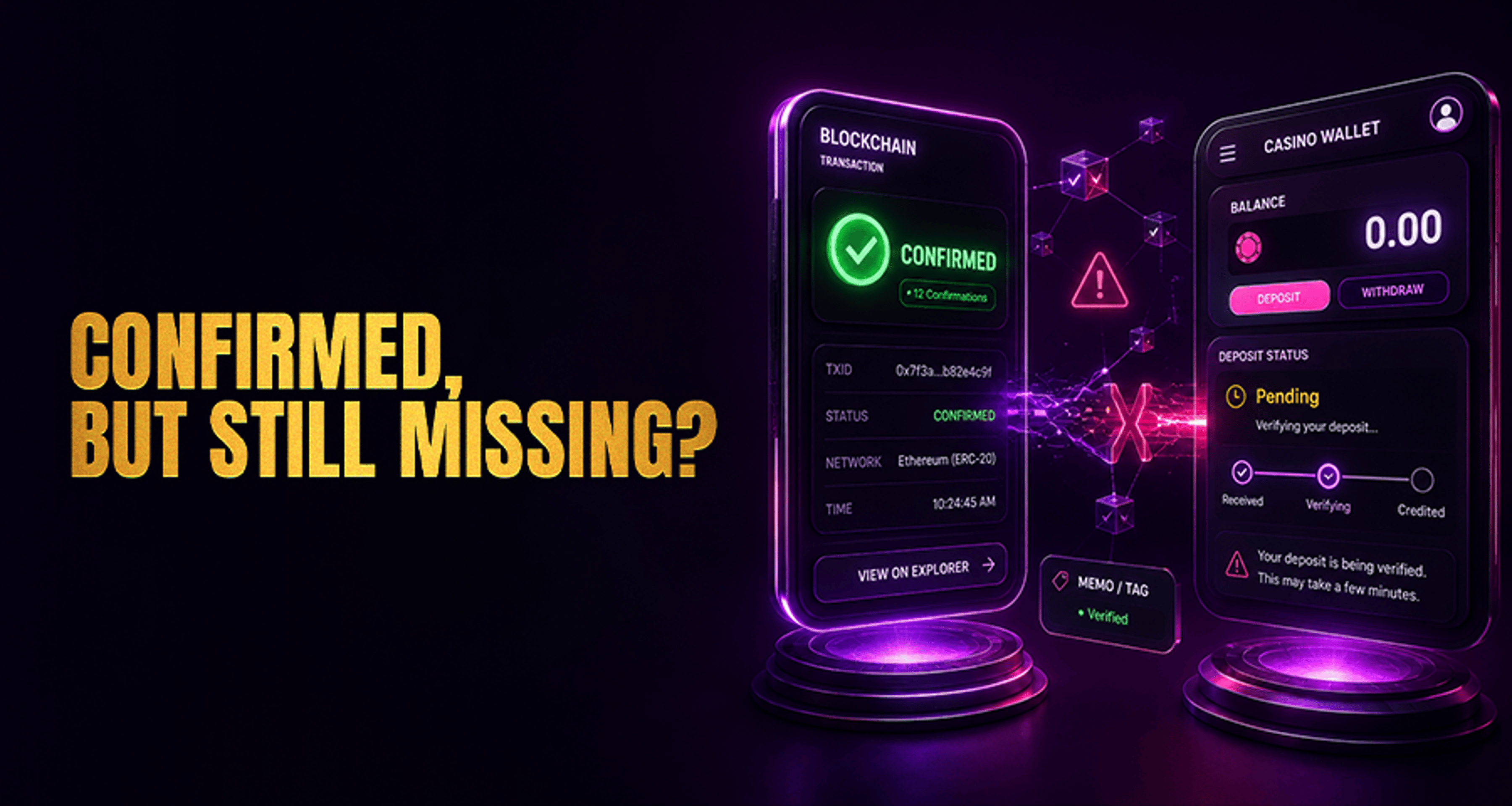
Why a Confirmed Blockchain Transaction May Not Appear in Your Casino Balance?
Even after block verification, a confirmed blockchain transaction may not appear in casino accounts immediately if the operator awaits extra confirmations, processes wallet queues, or reviews missing memo tags.
If your deposit shows as confirmed on the blockchain but your casino balance still has not updated, that does not always mean the funds are lost. In many cases, a blockchain confirmation only means the network accepted and recorded the transaction. The casino may still need to detect the deposit, verify the transfer details, and complete its own internal crediting process before the balance appears in your account.
This gap between blockchain confirmation and platform crediting is one of the most common reasons users contact Casino Support about missing crypto deposits.
What it means when a blockchain transaction is confirmed but your casino balance is unchanged
A confirmed blockchain transaction means the transfer was processed on the blockchain you used. It does not necessarily mean the casino has already credited the deposit to your account.
Most casino deposit systems include additional checks after a transaction is confirmed on-chain. These can include:
Detecting the incoming payment in the platform wallet system
Matching the deposit to the correct user account
Verifying that the correct network and token were used
Checking whether a memo, tag, or payment ID was required
Waiting for the casino's required number of confirmations
Running internal security or manual review processes
So even if your wallet or a blockchain explorer says "confirmed," your casino balance may still remain unchanged until those platform-side steps are complete.
Most common reasons a confirmed crypto deposit is not credited yet
Several issues can cause a delay between blockchain confirmation and casino balance crediting.
Insufficient required confirmations
Different platforms may wait for more than one blockchain confirmation before crediting a deposit. A transaction can appear confirmed on a block explorer while still not meeting the casino's internal threshold.
Wrong network used
A deposit may be sent to a compatible-looking address on the wrong network. For example, the address may appear valid, but if the casino expected one network and you sent funds on another, the platform may not detect or credit the deposit normally.
Missing or incorrect memo, tag, or payment ID
Some assets and deposit systems require extra routing details such as a memo, destination tag, or payment ID. If that information was missing or entered incorrectly, the transfer may arrive on-chain but not be automatically matched to your account.
Minimum deposit threshold issues
Some platforms do not process deposits below a stated minimum amount. If the amount sent was too low, the transaction may still be valid on-chain while remaining uncredited on the casino side.
Delayed wallet syncing or hot-wallet processing
Casino wallet systems do not always update instantly. Deposits can be delayed by wallet synchronization issues, queue backlogs, or temporary processing slowdowns.
Internal risk or manual review
Some deposits are held for additional checks before being credited. This does not automatically mean something is wrong, but it can extend the time before the balance updates.
Temporary wallet maintenance
If the deposit wallet for that asset is under maintenance, incoming transfers may be delayed until normal processing resumes.
Token contract mismatch
For token deposits, the casino may support only a specific token contract on a given network. If you sent a different version of the token, the transaction may confirm on-chain but fail to credit correctly.
If the issue continues after you complete basic checks, it may help to review broader casino complaint resolution steps before escalating further.
How many confirmations does a casino deposit usually need?
There is no single universal confirmation requirement. Different casinos, coins, tokens, and networks may all use different thresholds.
That is why it is important to check the deposit page instructions for the exact asset and network you used. A blockchain explorer may show the transfer as confirmed, but the casino may still require additional confirmations before the balance is credited.
Instead of assuming the deposit is missing, compare the blockchain status with the instructions shown on the casino deposit page. If no clear guidance is visible, Casino Support can confirm whether the required threshold has been met.
What to check before contacting casino support
Before opening a support ticket, go through this checklist carefully:
Verify the transaction hash and confirm that the transfer succeeded on a public blockchain explorer.
Check the destination address and make sure it exactly matches the deposit address shown in your casino account.
Confirm the selected network matches the one supported on the deposit page.
Verify the coin or token type so you know you sent the correct asset, not a different token or contract version.
Check whether a memo, destination tag, or payment ID was required and confirm it was entered correctly.
Review the required confirmation threshold listed by the casino for that asset.
Re-read the deposit instructions on the casino cashier or wallet page for any asset-specific rules.
Look for platform status notices about wallet maintenance, delays, or temporary deposit issues.
Doing these checks first can save time and reduce duplicate tickets to support.
When to wait and when to escalate the issue
It usually makes sense to wait a bit longer if:
The transaction is confirmed, but the casino may still require more confirmations
The platform has posted a wallet delay or maintenance notice
The asset or network is known to process more slowly at times
It makes more sense to contact support if:
The required confirmation threshold appears to have been met
All deposit details match the casino instructions
There is no active maintenance notice explaining the delay
The balance still has not updated after a reasonable processing period
If you need to escalate, keep the request clear and evidence-based. That approach usually works better than opening multiple repeated tickets. If the process starts to feel stuck, this guide on fixing casino payment issues may also help you organize the next step.
What details support will need to trace your deposit
If you contact Casino Support, prepare the following details in one message:
Transaction hash (TX hash)
Coin or token name
Deposit amount
Network used
Destination address
Date and timestamp of the transfer
Memo, tag, or payment ID, if applicable
Screenshots from your wallet or exchange, if relevant
Sending complete evidence upfront makes it easier for support to trace the deposit and check whether the issue relates to confirmations, network selection, routing details, or internal processing.
FAQ
Why is my crypto transaction confirmed but not showing in my casino account?
Because blockchain confirmation only proves the transfer was recorded on-chain. The casino may still need to verify confirmations, match the deposit to your account, and complete internal processing before crediting your balance.
Can a deposit be delayed even after blockchain confirmation?
Yes. Delays can happen because of confirmation thresholds, wallet syncing issues, maintenance, memo or tag problems, network mismatches, or manual review.
What happens if I used the wrong network for my casino deposit?
The transaction may still confirm on-chain, but the casino may not be able to detect or credit it normally if the deposit was sent on an unsupported or incorrect network.
Will my deposit fail if I forgot a memo or tag?
It can prevent automatic crediting. If a memo, destination tag, or payment ID was required and not included correctly, support may need to trace the transaction manually.
How long should I wait before contacting support about a missing crypto deposit?
Wait until you have checked the required confirmations, deposit instructions, and any maintenance notices. If the threshold appears met and the balance still has not updated after a reasonable processing period, contact support with full transaction details.
What information should I send to support to help locate my transaction?
Send the TX hash, asset name, amount, network, destination address, timestamp, and any memo or tag used, along with screenshots if they help show the transfer details.
Final takeaway
A confirmed blockchain transaction does not always mean an instant casino balance credit. The blockchain may have finalized the transfer, but the casino can still be waiting on deposit detection, confirmation thresholds, routing details, or internal review.
The best next step is to verify all deposit details carefully, check for any platform notices, and then contact Casino Support with complete transaction evidence if the required waiting period or confirmation threshold has already been met.





