
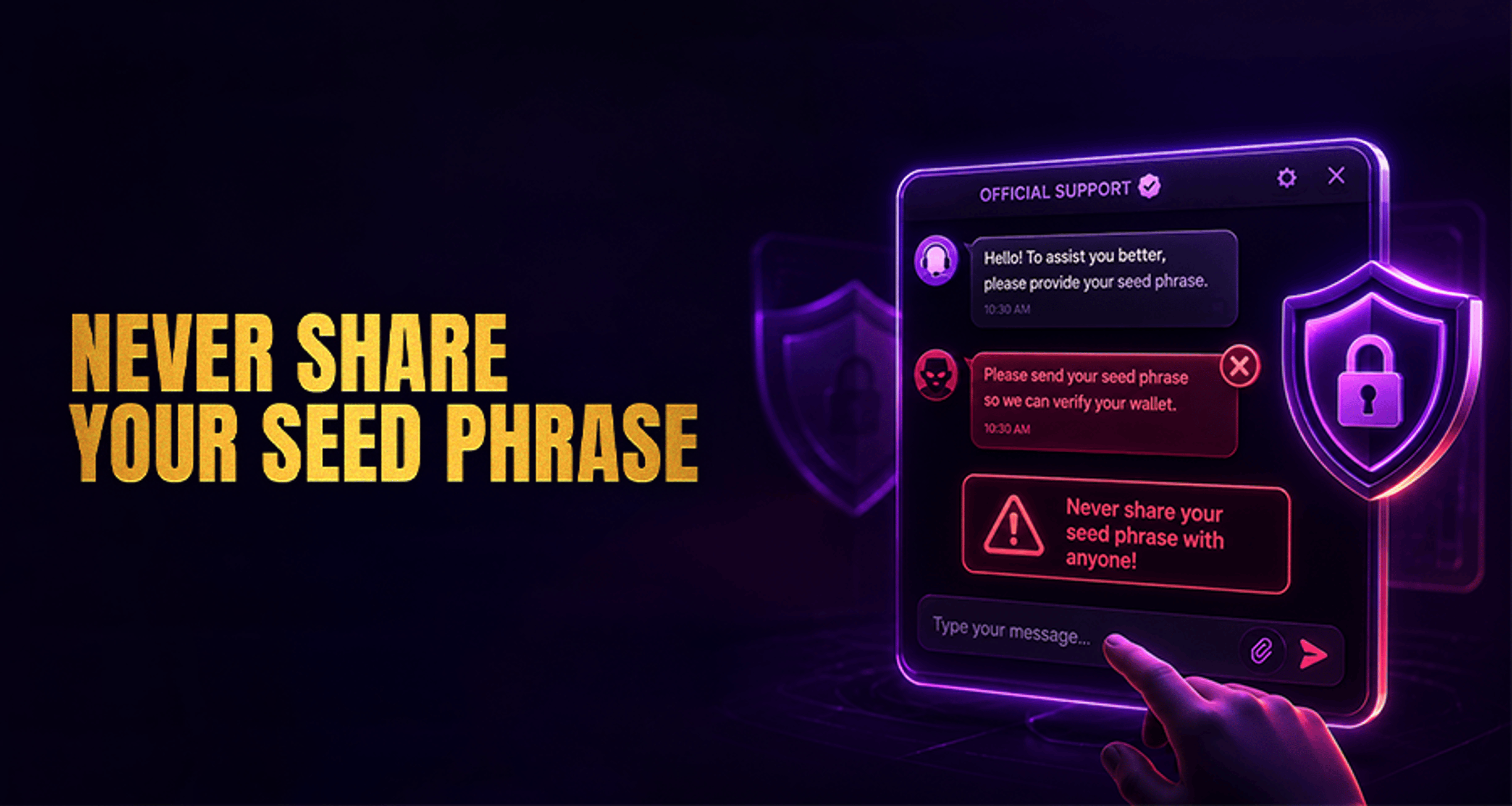
Why Official Support Will Never Ask for Your Seed Phrase?
If you are dealing with an account, payment, or login issue, remember this rule first: official support will never ask for your seed phrase, recovery phrase, or private key.
If you are dealing with an account, payment, or login issue, remember this rule first: official support will never ask for your seed phrase, recovery phrase, or private key.
That rule applies even if the message looks urgent, friendly, or appears to come from a support agent. Real support can help with account and transaction problems, but they do not need wallet credentials that give direct control over your funds.
For users trying to solve issues quickly, this matters because fake support scams often appear during stressful moments. If someone asks for your seed phrase to “verify your wallet,” “unlock a transfer,” or “speed up a review,” it is a scam.
Why official support never needs your seed phrase
A seed phrase, sometimes called a recovery phrase, is the set of words that gives full access to a crypto wallet. A private key serves the same purpose in a different format. Anyone who gets either one can usually control the wallet and move the funds.
That is why legitimate support will never request it.
Support teams may help you check account activity, review a deposit or withdrawal status, or confirm whether you used the correct address or network. But they do not need the secret credentials that control your wallet itself.
If you are already trying to resolve a payment issue, it can also help to review practical complaint-handling steps in Online Casino Complaints Fix Issues Get Paid Fast.
What support may ask for instead
Real support may ask for information that helps them identify your case without exposing your wallet.
Safe examples include:
Username
Registered email address
Transaction ID or hash
Order number or reference number
Date and time of the issue
Device type
App version or browser version
Screenshots with sensitive details redacted
For example, support may ask for a screenshot of an error message, but you should hide recovery phrases, private keys, passwords, and full backup details before sending anything.
A good rule is simple: if the information helps them locate your ticket or review a transaction, it may be reasonable. If it gives direct wallet access, do not share it.
Common fake support scams to watch for
Scammers often pose as support when users are already worried about a stuck withdrawal, missing deposit, or account restriction. Common examples include:
Fake live chat agents
A scam page or unofficial pop-up may imitate support chat and ask for your seed phrase to “confirm wallet ownership.” Real support will not do this.
Social media DMs
A fake agent may contact you on Telegram, X, Discord, or other platforms after you post about an issue. They may use a support-style name, logo, or copied profile.
Email impersonation
Scam emails may look official and tell you to reply with your recovery phrase, click a “verification” link, or import your wallet into a fake tool.
Phishing pages posing as support
These pages may copy brand colors, logos, and support language. They often push urgency, such as “verify now,” “recover funds,” or “fix wallet sync.” Their goal is to get your phrase or trick you into connecting a wallet to a malicious site.
How to verify you are contacting real support
When you need help, start only from verified on-site or in-app support channels.
Use these steps:
Open the brand website or app directly instead of following links from DMs or random emails.
Find the support page or official help entry inside the app or site navigation.
Check that the domain is correct and spelled exactly as expected.
Ignore messages that ask you to move to a different platform for “faster help.”
Be cautious with anyone creating pressure or urgency around wallet verification.
Report suspicious messages through official support immediately.
If you are facing a wider dispute or payout problem, use only verified support routes and documented case details rather than engaging with third-party “helpers.”
What to do if you already shared your seed phrase
If you already gave your seed phrase, recovery phrase, or private key to someone, act quickly and stay calm.
1. Move funds if possible
If you still control the wallet, transfer funds to a new secure wallet with a newly generated seed phrase as soon as possible.
2. Secure the wallet setup
Stop using the compromised wallet for storage. A seed phrase that has been shared should be treated as exposed permanently.
3. Revoke compromised access where relevant
If you connected the wallet to suspicious pages or approvals, revoke access where possible using trusted wallet-management tools.
4. Contact official support through verified channels
Use only the official site or app to report what happened. Support may not be able to recover funds from an exposed seed phrase, but they can review related account activity, note suspicious contact attempts, and help you secure the account side of the issue.
5. Preserve evidence
Keep screenshots, usernames, wallet addresses involved, message history, and phishing links. This can help with internal review and security reporting.
Frequently asked questions
Will official support ever ask for my recovery phrase?
No. Official support will never ask for your seed phrase, recovery phrase, or private key.
What information is safe to share with support?
Usually safe items include your username, registered email, transaction ID, order or reference number, device or app version, and screenshots with sensitive data removed.
How can I verify a real support channel?
Go directly to the official website or app, use the support section there, and avoid links sent through DMs, comments, or unofficial emails.
What should I do if I gave my seed phrase to someone?
Move funds if possible, stop using the compromised wallet for storage, revoke suspicious access where relevant, and contact official support through verified channels.
Can support recover funds after a seed phrase is exposed?
Do not assume that exposed funds can be recovered. Once a seed phrase is shared, wallet control may be compromised. Support can still help review the account issue and confirm official next steps, but they should never promise recovery.
Final takeaway
If anyone claiming to be support asks for your seed phrase, recovery phrase, or private key, treat it as a scam.
For real help, contact support only through verified on-site or in-app channels, share only case-related details such as your username or transaction ID, and report suspicious messages right away.





