
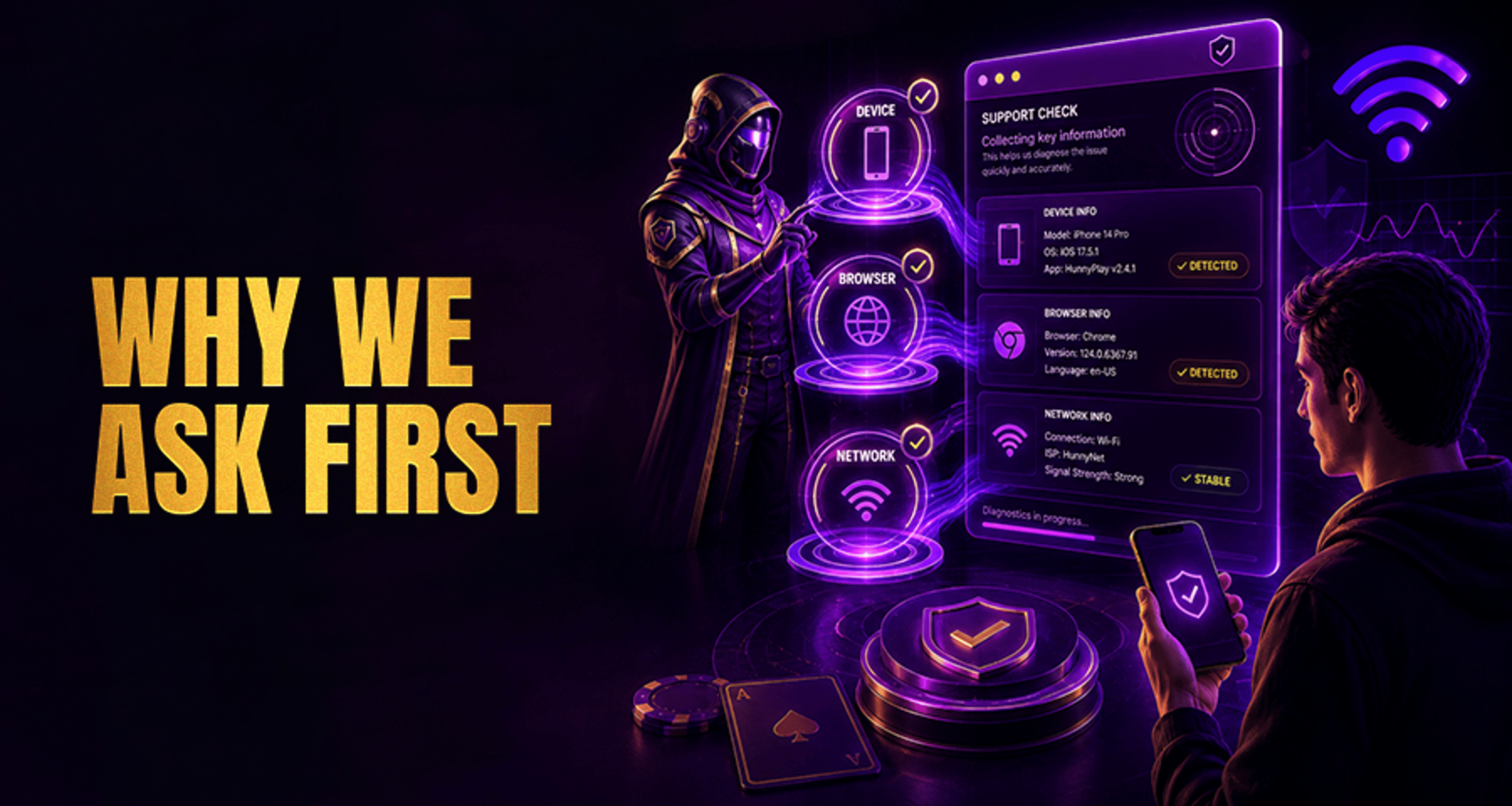
Why Support Asks for Device, Browser, and Network Details?
If you contact Casino Support about a login issue, a payment page error, a verification problem, or a page that will not load properly, you may be asked for details about your device, browser, and network connection
If you contact Casino Support about a login issue, a payment page error, a verification problem, or a page that will not load properly, you may be asked for details about your device, browser, and network connection.
That can feel repetitive when you just want a fix. In most cases, though, these questions are not there to slow things down. They help support narrow down whether the issue is tied to your account session, your device setup, your browser, or your connection. That usually leads to faster, more accurate troubleshooting and less back-and-forth.
Why support asks for device, browser, and network details
Technical issues do not always happen for the same reason, even when the visible problem looks similar. A login failure, for example, might come from a browser compatibility issue, a session timeout, a connection interruption, or a device-specific display problem.
When support asks for a few diagnostic details up front, it helps them avoid repeated generic questions and focus on the most likely cause first. Instead of testing every possible explanation, they can start with the conditions in which the issue happened.
This is especially helpful for problems such as:
login pages not loading or refreshing unexpectedly
payment pages freezing or failing to submit
verification steps not completing
game pages showing errors on one device but not another
connection interruptions during a session
If you are already dealing with a frustrating issue, sharing these details early can make the process smoother. It works in a similar way to the advice in Online Casino Complaints Fix Issues Get Paid Fast, where clear, specific information helps support teams review a case more efficiently.
How device information helps troubleshoot technical issues
Your device type or model can affect how a site or support flow behaves. A problem that appears on one phone, tablet, or desktop setup may not appear the same way somewhere else.
Support may ask what kind of device you are using, such as:
iPhone or Android phone
iPad or tablet
Windows laptop or desktop
MacBook or iMac
This helps them check for things like:
screen or layout issues on a specific device type
app or browser behavior that differs between mobile and desktop
operating system limitations affecting verification or payment steps
session problems that appear only on certain hardware and software combinations
For example, if a verification page works on desktop but keeps failing on a mobile phone, the issue may be related to the mobile environment rather than your account itself.
Why browser details matter for login, payments, and page errors
Browser name and version are often important because websites rely on browser features to load pages, maintain sessions, handle forms, and process secure actions.
Support may ask whether you were using Chrome, Safari, Firefox, Edge, or another browser, along with the version if you can find it. They ask because browser-related issues can cause:
login pages to loop back to the sign-in screen
buttons not responding on payment or verification forms
pages to display incorrectly
old session data or cached files to interfere with new attempts
An outdated browser version may handle certain site features differently from a current one. In other cases, the browser itself is fine, but stored cache or cookies may be causing a session-specific error. Knowing the browser helps support decide whether to suggest a simple browser step or investigate something deeper.
How network details help identify connection-related problems
Support may also ask whether you were on Wi‑Fi or mobile data, and sometimes when the issue happened. This is not about making the process more complicated. It helps them understand whether the problem may be tied to connection stability or a temporary network-related interruption.
Network details can help explain issues such as:
pages timing out before they finish loading
payment attempts failing before confirmation appears
verification uploads not completing
sessions disconnecting or expiring unexpectedly
For example, a weak or unstable mobile connection can interrupt a step that needs a steady connection. A public or changing Wi‑Fi connection may also affect how consistently a session stays active.
The approximate time the issue happened matters too. If you tell support that the payment page failed at around 8:15 PM, that gives them a clearer point to review when checking the reported behavior.
What information to send support to speed up help
You do not need to overcomplicate your message. A short, accurate summary is usually enough.
A useful support message may include:
your device type or model
your operating system, if known
your browser name and version, if available
whether you were using Wi‑Fi or mobile data
the approximate time the issue happened
a brief description of what you were trying to do and what went wrong
For example:
I was trying to log in on an iPhone 13 using Safari on Wi‑Fi at around 7:40 PM. After entering my details, the page refreshed and sent me back to the login screen.
That kind of message gives support a starting point without turning your report into a long technical explanation.
If your issue has already become more serious or prolonged, it may also help to review related guidance such as Online Casino Complaints Fix Issues Get Paid Fast before following up.
What support does not need when checking a technical issue
When support asks for device, browser, and network details, they are usually looking for basic troubleshooting context, not unrelated sensitive information.
In plain terms, technical diagnostics are about understanding the conditions around the issue. That is different from sharing more information than necessary. In many cases, a simple note about your device, browser, connection type, and what happened is enough to help support start investigating.
FAQ
Why does support need to know what device I am using?
Because some problems only affect certain device types, screen sizes, or operating environments. Knowing your device helps support check whether the issue is device-specific or more general.
Do I need to send my exact browser version to support?
If you can find it easily, yes, it can help. Exact browser version details may make it easier to identify compatibility or session issues. If you do not know the version, the browser name is still useful.
Why does support ask whether I am on Wi‑Fi or mobile data?
Because connection type can affect stability, loading speed, session behavior, and whether certain actions complete successfully. It gives support more context about possible connection-related problems.
Can support help me faster if I include device and network details in my first message?
Often, yes. Including your device, browser, network type, and a short description of the issue can reduce back-and-forth and help support investigate sooner.
What details should I share when reporting a login or payment problem?
Share your device type, operating system if known, browser name and version if available, whether you were on Wi‑Fi or mobile data, the approximate time it happened, and a brief description of the problem.
Final note
If you are contacting Casino Support about a technical issue, include your device, browser, network type, approximate time of the problem, and a short explanation of what happened. These details help the team investigate more efficiently and can shorten the troubleshooting process.





