
Why You Cannot Log In With Your Email or Wallet?
If you cannot log in with your email or wallet, the issue is often caused by using the wrong sign-in method, a missing verification step, or a wallet connection problem. The fastest way to fix it is to first confirm
If you cannot log in with your email or wallet, the issue is often caused by using the wrong sign-in method, a missing verification step, or a wallet connection problem. The fastest way to fix it is to first confirm how your account was originally created, then follow the matching troubleshooting steps below.
If you are frustrated, that is completely understandable. Login issues are common, and in many cases they can be resolved in a few quick checks.
Why email login and wallet login are different
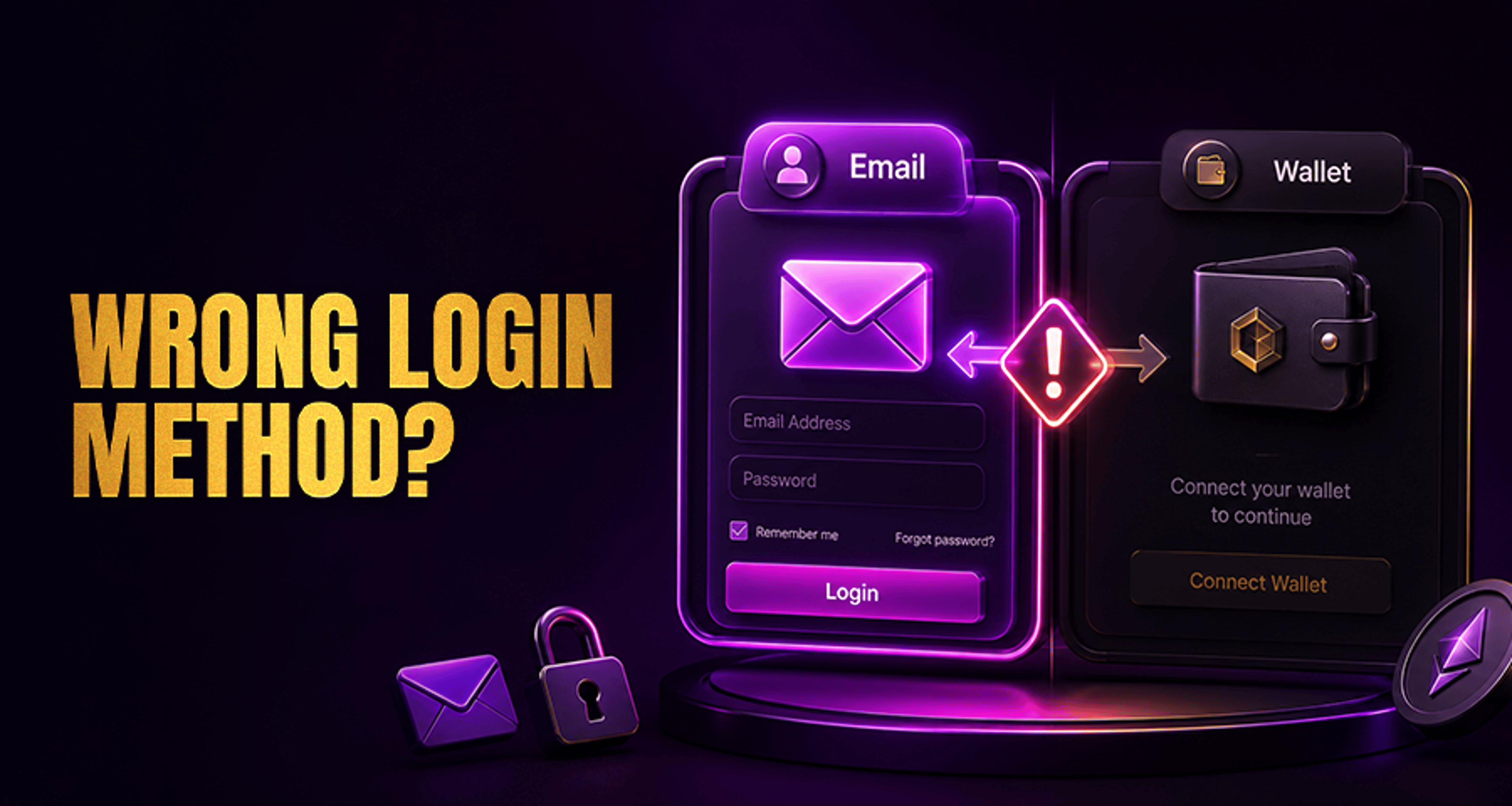
Email login and wallet login are not always the same authentication path.
If your account was created with an email address, you usually need to continue using the email-based login flow for that account. If your account was created through a crypto wallet, you may need to use that same wallet to access it again.
This matters because trying to sign in with email when the account was created with a wallet, or trying to connect a wallet when the account was created with email, may not work even if both options appear on the login page.
Before you try anything else, make sure you are using the same login method you used during registration.
If your issue is part of a wider account access problem, you may also find it helpful to review this guide on fixing casino account issues and payment-related complaints.
Common reasons email login does not work
If you are trying to log in with email, work through these checks in order:
Check that you entered the correct email address
A small typo can prevent access. Make sure there are no missing letters, extra spaces, or the wrong email domain.
Confirm this is the email used to register
Some users have more than one email address and may accidentally try the wrong one. If the account was created with a different email, the login code or link will go to that address instead.
Look for the verification email or code in spam or junk folders
Login emails can sometimes be filtered automatically. Check spam, junk, promotions, and any secondary inbox tabs.
Wait a moment and request a fresh code or link
Delivery can occasionally be delayed. If nothing arrives after a short wait, request a new code or login link.
Make sure the link or code has not expired
Some login links and verification codes only work for a limited time. If you waited too long, request a new one and use it promptly.
Open only the most recent login email
If you requested multiple codes or links, older ones may no longer work. Use the newest message only.
Check for account mismatch
If the system does not recognize your email, you may be trying to use email login for an account that was actually created through a wallet.
Common reasons wallet login does not work
If you are trying to log in with a wallet, the issue is usually related to wallet selection, connection status, or signature approval.
Make sure you selected the same wallet used during registration
If you signed up with one wallet but try to connect a different one, the platform may not recognize your account.
Check that the wallet is connected properly
Open your wallet extension or app and confirm it is unlocked, active, and connected to the browser or device you are using.
Verify you are on the expected network
In some cases, the wrong network can cause wallet-based login issues. Switch to the appropriate network if needed, then try again.
Look for a signature request
Wallet login often requires you to approve a signature request. If you dismissed or rejected it, the login will fail. Retry and approve the request if it appears.
Check for browser wallet conflicts
Multiple wallet extensions can interfere with each other. If more than one wallet tool is installed, disable the ones you are not using and try again.
Refresh the page and reconnect the wallet
A stale session can interrupt the connection. Refresh the page, reconnect the wallet, and repeat the login flow.
Try a supported browser or device
Some wallet connection issues are caused by browser compatibility or mobile-to-desktop handoff problems. Retrying in the wallet's recommended environment can help.
How to check which login method your account uses
If you are unsure whether your account uses email login or wallet login, ask yourself these questions:
Did you register by entering an email address and receiving a code or link?
Did you register by connecting a crypto wallet and approving a signature?
Have you successfully logged in before using only one of these methods?
If you originally signed up with a wallet, email login may not work for that account unless the platform specifically supports linking both methods. Likewise, if you signed up with email, connecting a wallet at login may not access the same account.
The key step is to retry the method used during registration rather than switching back and forth randomly.
What to try before contacting support
Before contacting Casino Support, go through this quick checklist:
Retry the correct login method based on how you registered
Double-check your email address or wallet selection
Request a fresh email code or login link
Check spam or junk folders for login emails
Reconnect your wallet and approve any signature request
Disable conflicting wallet extensions if needed
Refresh the page or try another supported browser
These steps solve many common access problems without needing further help.
When to contact Casino Support
If you have confirmed you are using the correct login method and the issue still is not resolved, contact Casino Support.
When reaching out, include helpful details such as:
Whether you are trying to log in with email or wallet
The email address used for registration, if applicable
The wallet provider and network, if applicable
A short description of what happens during login
Any error message shown on screen
The device and browser you are using
This helps support review the problem faster and guide you to the next step. While support can investigate unresolved access issues, it is best not to assume every case can be fixed immediately.
FAQ
Why am I unable to log in with my email?
The most common reasons are entering the wrong email, using an email that was not used during registration, missing the verification email, or trying to use an expired login link or code.
Why is my wallet not connecting at login?
This can happen if the wrong wallet is selected, the wallet is disconnected or locked, the wrong network is active, the signature request was rejected, or multiple wallet extensions are conflicting.
Can I use email login if I signed up with a wallet?
Not always. If your account was originally created with a wallet, you may need to continue using that wallet login method unless the platform supports linking both methods.
What should I do if I do not receive the login email or code?
Check your spam or junk folders, wait briefly, then request a fresh code or login link. Make sure you are checking the same email address used when the account was created.
Why does the wallet signature request fail?
It may fail if the request was rejected, the wallet lost connection, the browser session became unstable, or another wallet extension interfered with the process.
How do I contact support if both login methods fail?
After completing the relevant troubleshooting checklist, contact Casino Support with your login method, account details, device and browser information, and any error messages you received.
Final takeaway
If you cannot log in with your email or wallet, start by identifying which method your account actually uses. Then follow the matching troubleshooting steps carefully. In many cases, using the correct login path, requesting a fresh email link, or reconnecting the correct wallet is enough to resolve the issue. If not, Casino Support is the right next step for further review.





