
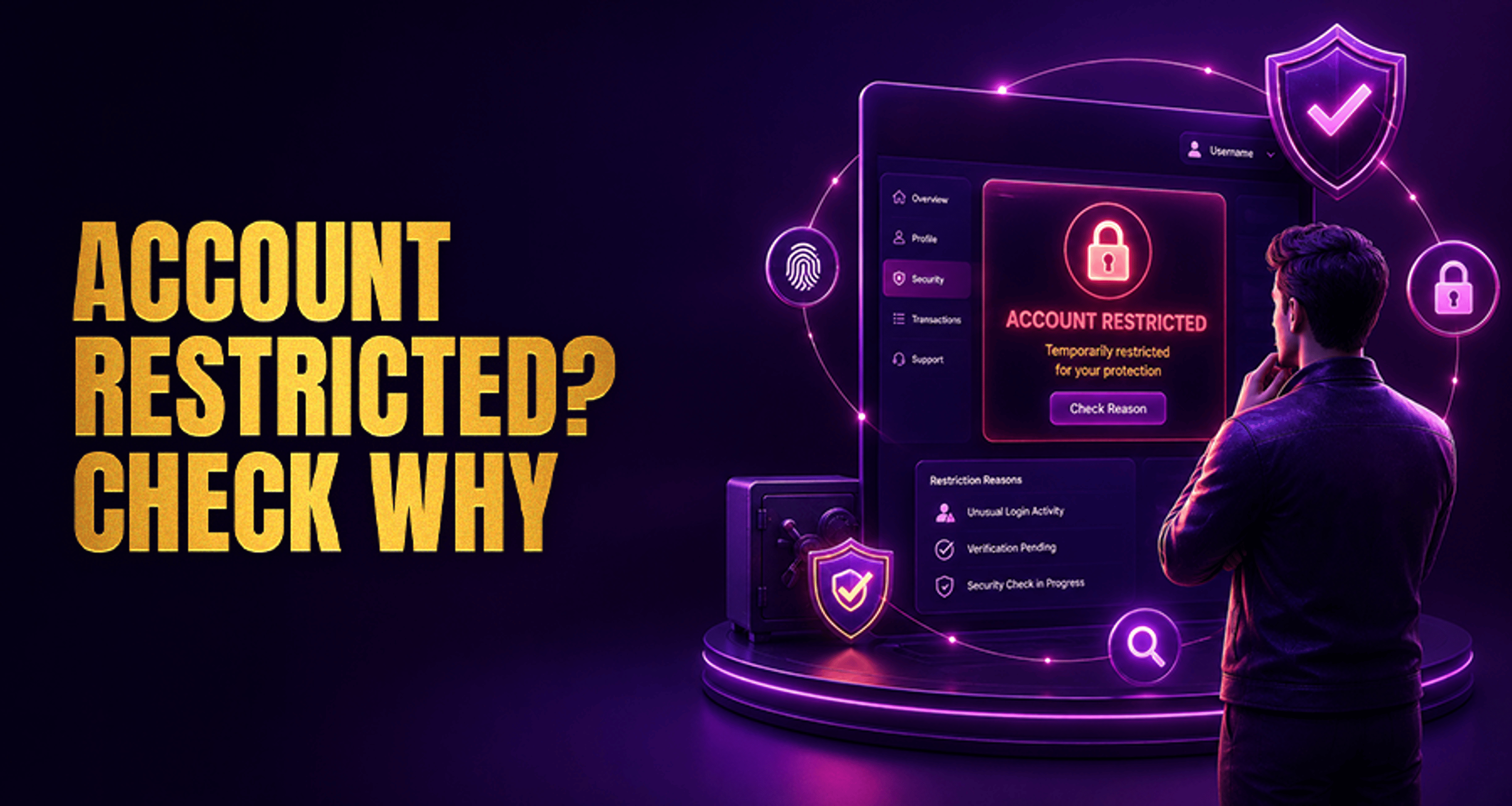
Why Your Account Was Temporarily Restricted?
If your account was temporarily restricted, it usually means you cannot fully access some or all account features while a review is in progress. That can feel stressful, but a temporary restriction is not the same as
If your account was temporarily restricted, it usually means you cannot fully access some or all account features while a review is in progress. That can feel stressful, but a temporary restriction is not the same as a permanent closure.
In most cases, the fastest path forward is to check for a support email, confirm your login and account details, complete any requested verification steps, and contact support with complete information if the issue does not clear.
What does “account was temporarily restricted” mean?
A temporary account restriction is a short-term limit placed on your account while a provider reviews something that needs confirmation. Depending on the situation, that may affect login access, deposits, withdrawals, bonuses, or gameplay until the review is finished.
This is different from a permanent closure or long-term suspension:
Temporary restriction: access is limited while checks are completed
Suspension or closure: access may be removed for a longer period or permanently
A temporary restriction does not automatically mean you did something wrong. Many restrictions are triggered by routine account protection checks or missing account information.
Why accounts get temporarily restricted
There are several common reasons an account may be reviewed:
Security checks: the system may flag activity that looks unusual and place limits until ownership is confirmed
Unusual login activity: multiple failed logins, new devices, new locations, or unexpected IP changes can trigger a restriction
Verification issues: incomplete profile details or missing identity documents may pause access until the account is verified
Payment review: recent deposits, withdrawals, reversed payments, or mismatched payment details may need manual review
Bonus abuse review: if bonus activity appears irregular, the account may be checked before normal access returns
Responsible gaming related checks: some restrictions are applied while account safety settings or usage concerns are reviewed
If you are also dealing with a payout problem, this guide to Online Casino Complaints Fix Issues Get Paid Fast may help you organize the issue before contacting support.
What to do first if your account is restricted
Start with the simplest checks before opening a new support request.
Check your email inbox and spam folder for any message linked to the restriction
Read the restriction notice carefully to see whether login, withdrawals, or full account access is affected
Reset your password if you suspect the restriction followed failed login attempts or suspicious access
Review your recent account activity including deposits, withdrawals, login locations, and device changes
Complete any pending verification steps if support has already requested documents or confirmations
Try again after completing the requested action rather than repeating the same failed login or payment attempt
If nothing in the notice explains what happened, move to support with a complete summary instead of sending short follow-up messages one by one.
How to verify your account and speed up review
Verification requests vary, but support often needs enough information to confirm that the account belongs to you and that recent activity matches your records.
You may be asked for:
Registered email address
Username or account ID
Full name on the account
Recent login or activity details
Payment method details linked to recent transactions
Identity or address documents, if requested
Screenshots of the error or restriction message
To help the review move smoothly:
Make sure the details you send match your account records
Upload clear, readable files if documents are requested
Answer all requested points in one message when possible
Include the date and approximate time of the issue if relevant
A complete first message often reduces back-and-forth and helps support review the restriction faster.
When to contact support and what details to send
Contact support if:
you did not receive clear instructions by email
you completed the requested steps but your access is still restricted
the restriction affects withdrawals or important account actions
the review window mentioned in the notice has already passed
When you contact support, include:
Registered email address
Username
A short description of what happened
The exact restriction message, if shown
When the issue started
Any recent password resets, device changes, or payment attempts
Any documents or screenshots already requested
Keep your message clear and complete. If you need help preparing a stronger complaint trail for unresolved support issues, this article on fixing online casino complaint issues and getting paid faster can help you structure the details.
How long temporary restrictions usually last
Temporary restrictions can last anywhere from a short automated hold to a longer manual review, depending on what needs to be checked. There is no single timeline that applies to every case.
Reviews may take longer when:
verification documents are missing or unclear
account details do not match submitted information
recent payment activity needs manual checking
there are multiple account access or security questions to review
The best approach is to follow the instructions in the restriction notice, send complete information once, and wait for the review outcome within the stated support window if one was provided.
What to avoid while your account is under review
While the restriction is active, avoid actions that can slow the review or create confusion:
Do not keep entering the wrong password repeatedly
Do not submit duplicate tickets unless support specifically asks you to reply in a new channel
Do not create extra accounts to work around the restriction
Do not resend the same documents multiple times unless requested
Do not change key account details during the review unless support tells you to
These steps help keep your case clear and reduce unnecessary delays.
What if the restriction does not clear?
If the temporary restriction does not clear after the review window mentioned by support, follow up with a single concise escalation message.
Include:
Your original ticket number
The date you first contacted support
Confirmation that you completed all requested steps
Any documents already submitted
A request for a status update and next action needed
If the issue involves both restricted access and unresolved payment concerns, you can also review this complaint-handling guide for casino account issues before escalating.
Frequently asked questions
Why was my account temporarily restricted?
Usually because the account needs a security, verification, payment, bonus, or account-safety review. It does not always mean you broke a rule.
How do I remove a temporary account restriction?
Follow the notice instructions first, then complete any password reset, verification, or payment checks requested. If access does not return, contact support with full account details.
Can I still withdraw if my account is temporarily restricted?
That depends on what part of the account is restricted. Some restrictions affect only certain functions, while others pause withdrawals until the review is complete.
What documents might support ask for during a restriction review?
Support may ask for identity documents, proof of address, payment-related details, or screenshots of the issue, depending on the reason for the review.
How long does a temporary restriction usually last?
It varies. Some are resolved quickly, while others take longer if manual checks or extra documents are needed.
What should I do if I did not cause the restriction?
Stay calm and focus on the recovery steps. Check the notice, complete any requested verification, and contact support with clear details. Temporary restrictions can happen as part of routine account protection.
Next step
If your account was temporarily restricted, complete the basic self-checks first, then use the account support or contact flow with one complete message that includes your registered details, recent activity summary, and any requested documents. That usually gives support the clearest starting point and reduces avoidable delays.





