
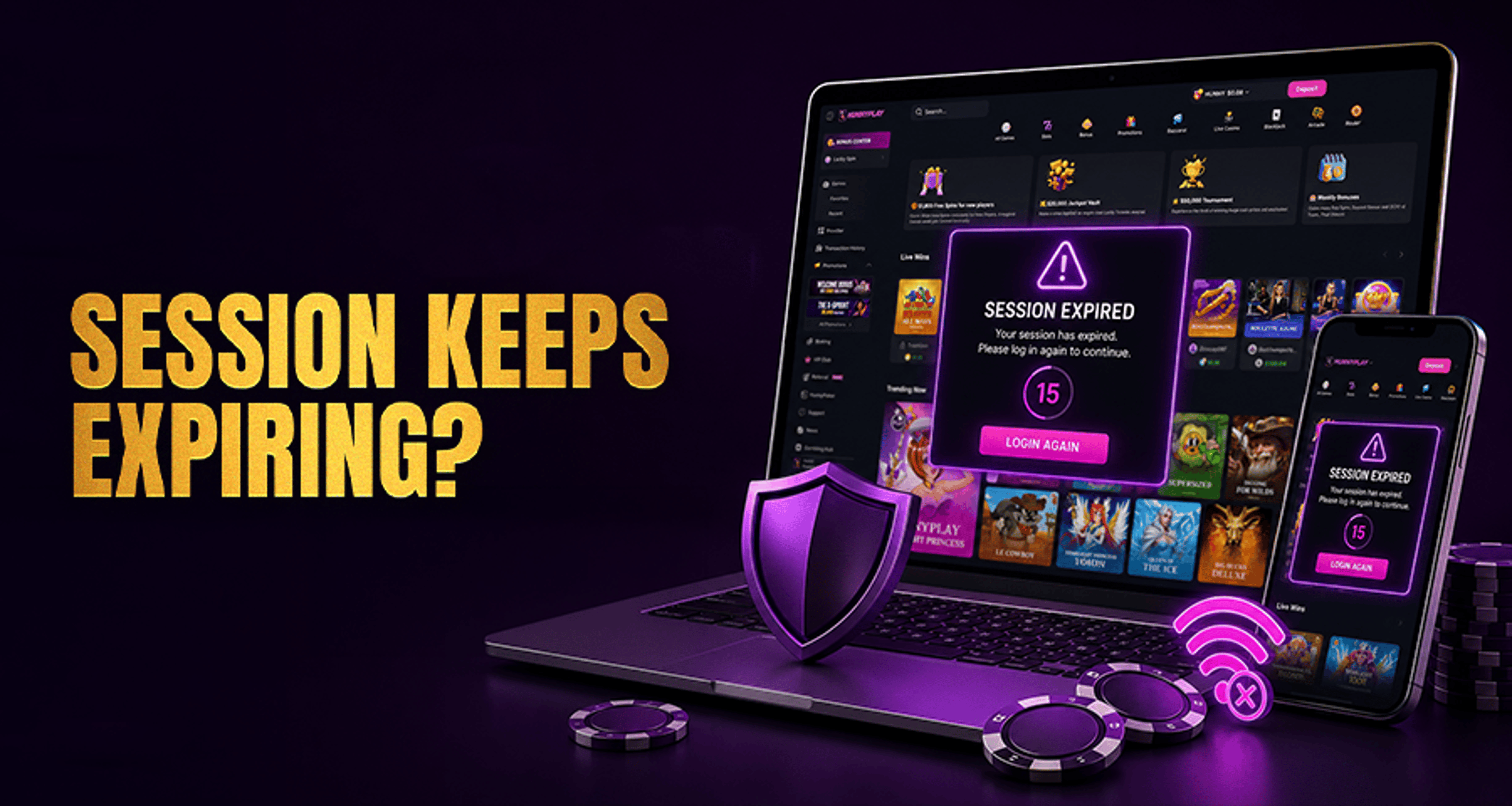
Why Your Casino Session Keeps Expiring?
If your casino session keeps expiring, it usually means the site or app is ending your login for security or session-management reasons. In many cases, this is a normal protection step rather than a sign that your
If your casino session keeps expiring, it usually means the site or app is ending your login for security or session-management reasons. In many cases, this is a normal protection step rather than a sign that your account was closed or that something happened to your balance.
The key is to tell the difference between a normal logout after inactivity and repeated session expiry while you are actively using the casino. Once you know which type of issue you are dealing with, it becomes much easier to troubleshoot.
Why your casino session keeps expiring
Online casinos often use session time limits to help protect accounts. A session may end when:
you have been inactive for too long
your network or IP address changes suddenly
the app or browser is holding outdated session data
another device starts a new login and replaces the current session
the system detects something unusual and asks you to sign in again
This is why a timeout does not automatically mean there is a problem with your funds or that your account is being shut down. In many cases, it is simply the platform trying to keep the account secure.
Common causes of repeated casino session timeouts
Normal inactivity timeout
Many casinos log users out after a period of inactivity. If you leave a page open without interacting for a while, the session may expire by design. The exact timeout length varies by operator, so it is best not to assume every casino uses the same limit.
If you are only being logged out after sitting idle, that is different from a session that expires repeatedly while you are still clicking, browsing, or playing.
Session expiry during active use
If your casino session keeps expiring even while you are active, the problem is more likely tied to browser, app, device, or connection issues.
Common triggers include:
unstable internet that interrupts the connection
switching between Wi-Fi and mobile data
using a VPN or proxy that changes your apparent location or IP
corrupted cookies or cached browser files
an outdated casino app or browser version
logging in on multiple devices at the same time
If you are also dealing with broader account-access problems, guides on fixing common casino account issues quickly may help you prepare the right support details.
How to fix a casino session that expires again and again
Try these checks in order before contacting support.
1. Refresh and log in again
Start with the simplest step. Refresh the page or close and reopen the app, then sign in again. A fresh login can replace a broken or outdated session token.
2. Clear cache and cookies if you use a browser
If the casino is browser-based, clear cookies and cache for the site, then log back in. Old stored session data can cause repeated timeout loops or sign-out behavior.
This is especially useful if the issue started after a site update, browser update, or password reset.
3. Update the app or browser
An outdated app or browser may not handle session data properly. Install the latest version, then retry.
Also check whether your device operating system is overdue for updates, since compatibility issues can sometimes affect login stability.
4. Disable VPN or proxy if you are using one
A VPN or proxy can make your location or IP appear to change during a session. Some casinos respond to that by ending the session and requiring a new login.
If you normally use one, turn it off temporarily and test again on your normal connection.
5. Confirm your internet connection is stable
A weak or changing connection can break the session handshake between your device and the casino platform. If possible:
stay on one network
avoid switching between Wi-Fi and mobile data
restart your router if your home connection is unstable
retry from a more reliable network
6. Log out of other devices
Some casinos limit or reset sessions when multiple devices are active at once. If you signed in on mobile, desktop, or tablet around the same time, log out everywhere and then sign in again on just one device.
This can be especially relevant if you notice the issue while switching between platforms.
7. Retry and note exactly when the expiry happens
After each step, test the session again and note what happens:
does it expire immediately after login?
only after opening certain pages?
only on one device?
only on one network?
These details make troubleshooting much faster if you need to escalate.
How to keep your casino session active longer
You usually cannot override a casino's built-in session limits, but you can reduce avoidable expiry problems by:
keeping the app or browser updated
avoiding VPN or proxy use if it triggers resets
staying on one stable internet connection
using one device at a time when possible
logging out fully when finished, then starting a fresh session later
If the issue comes from normal inactivity limits, the safest approach is simply to sign in again when needed. Trying to work around security controls is not recommended and may create more login problems.
When to contact casino account support
Contact Casino Account Support if your casino session keeps expiring after you have already tried the steps above.
It is also a good idea to escalate if:
you are being forced out repeatedly during active use
you cannot get past 2FA or repeated login prompts
the account appears to be security-flagged
you are locked out after multiple retries
When you contact support, include:
your device type
browser name and version or app version
network type such as Wi-Fi or mobile data
whether you were using a VPN or proxy
the approximate time of the last session expiry
whether the problem happens on one device or all devices
Giving support these details up front can help them identify whether the issue is tied to session security, device data, or account-level login controls.
FAQ
Why does my casino session expire even while I am active?
If you are active and still getting logged out, the cause is often an unstable connection, changed IP address, outdated stored session data, or a multi-device session conflict rather than a normal inactivity timeout.
Can using a VPN cause my casino login session to expire?
Yes, it can. If a VPN changes your apparent location or IP during the session, the casino may end the login and ask you to sign in again for security reasons.
Will clearing cookies fix repeated casino session timeouts?
It can help if the issue is caused by outdated or corrupted browser session data. It is one of the most useful steps for browser-based login problems, though it may not solve every case.
Why am I logged out when switching between mobile and desktop?
Some casinos treat a new login on another device as a replacement for the current session. Logging out on other devices and retrying on one device only may help.
Who should I contact if my casino session keeps expiring after troubleshooting?
Contact the casino's account support team and share your device, browser or app version, network type, and the time of the most recent expiry. That gives them the best chance of tracing the cause quickly.
Final takeaway
If your casino session keeps expiring, the most common explanation is session security or account-protection logic, not necessarily an account closure or balance issue. Start with the practical checks: log in again, clear browser data if needed, update the app or browser, disable VPN or proxy use, confirm your internet is stable, and log out of other devices.
If the problem continues after that, contact account support with clear technical details so they can review the repeated session expiry more effectively.





