
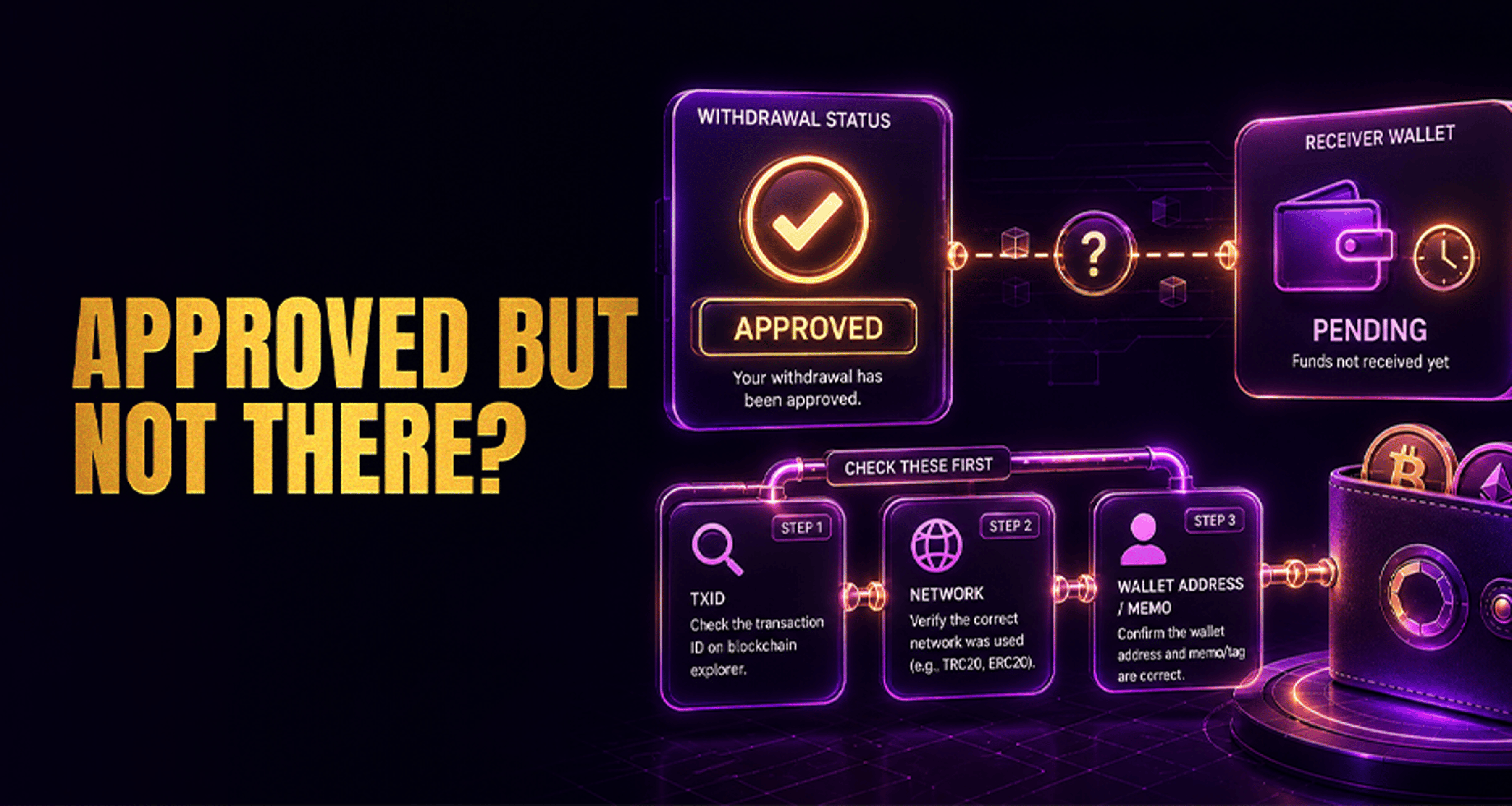
Withdrawal Approved but Not Received: What to Check?
If your crypto withdrawal shows approved or completed but the funds have not appeared in your destination wallet or exchange, do not assume the transfer has failed. In many cases, approved means the withdrawal
If your crypto withdrawal shows approved or completed but the funds have not appeared in your destination wallet or exchange, do not assume the transfer has failed. In many cases, approved means the withdrawal request passed the platform’s internal review and was released for processing. It does not always mean the funds have already arrived in the receiving account.
This guide walks through what to check first, how to confirm whether the transfer was actually sent on-chain, and what details to gather before contacting support.
What “Withdrawal Approved” Usually Means?
A withdrawal can move through several stages:
Requested: You submitted the withdrawal.
Approved: The platform accepted it and may have passed internal checks.
Broadcast: The transaction was sent to the blockchain network.
Confirmed: The blockchain recorded the transaction.
Credited: The destination wallet or exchange reflected the funds in your balance.
The key point is that approved is not always the same as credited.
Sometimes the withdrawal is still waiting to be broadcast. In other cases, it is already confirmed on-chain, but the receiving platform still needs more confirmations or internal processing time before updating your balance.
Check the Transaction Hash (TxID) First
If you are dealing with a withdrawal approved but not received check, the fastest next step is to find the transaction hash, also called the TxID.
Look in your withdrawal history and check whether the transaction includes:
A TxID or transaction hash
The destination address
The network used
The withdrawal timestamp
The status, such as pending, processing, completed, or confirmed
What the TxID tells you
If there is no TxID yet: the withdrawal may not have been broadcast to the blockchain.
If there is a TxID: the transfer was likely sent on-chain, and you can verify its status independently.
If no TxID appears after a reasonable processing window, that is usually the point where support needs to review the withdrawal status more closely.
Verify the Withdrawal on a Blockchain Explorer
Once you have the TxID, paste it into the appropriate blockchain explorer for that network.
A blockchain explorer helps you confirm:
Whether the transaction exists on-chain
Whether it is still pending
How many confirmations it has
Which address received the funds
Whether the network matches the one you selected
How to read the result in plain language
Transaction not found: the withdrawal may not have been broadcast yet, or the TxID may be incorrect.
Pending / unconfirmed: the network may be congested, and the transfer is still waiting for confirmations.
Confirmed: the blockchain shows the transfer succeeded on-chain.
If the blockchain confirms the transaction but your balance still has not updated, the issue may be on the receiving side’s crediting process rather than the blockchain itself.
Confirm the Network and Destination Address Match
One of the most common reasons funds do not appear is a mismatch between the selected withdrawal network and the destination wallet or exchange deposit network.
Check the following carefully:
Does the destination platform support the exact network used?
Does the withdrawal address exactly match the deposit address you intended to use?
Did you send the correct asset on the correct chain?
For example, sending a token over one network to a deposit address expecting a different network can lead to delays, failed crediting, or the need for manual review.
Also verify that there are no copy-paste mistakes in the destination address. Even if the transaction is confirmed on-chain, the receiving platform can only credit what was sent to the correct supported address on the correct supported network.
If you are troubleshooting broader payout or account issues, it may also help to review practical dispute steps in Online Casino Complaints: Fix Issues and Get Paid Fast.
Check Whether a Memo or Tag Was Required
Some assets and networks require more than just a wallet address. They may also need a:
Memo
Destination tag
Payment ID
Similar routing reference
This is common with certain exchange deposit systems.
Why this matters
If the address is correct but the memo or tag is missing or incorrect, the transaction can still be confirmed on-chain while not being automatically credited to your account.
That happens because the receiving platform uses the memo or tag to identify which user account should receive the funds.
If you think you entered the wrong memo or forgot it entirely:
Save the TxID
Take screenshots of the withdrawal details
Contact the destination platform and the sending platform if needed
Be ready for extra review time, since memo/tag issues often require manual investigation
Why Funds May Be Confirmed On-Chain but Not Yet Credited?
A confirmed blockchain transaction does not always mean the destination balance updates immediately.
Common reasons include:
Additional confirmation requirements
Some wallets and exchanges wait for a minimum number of confirmations before crediting funds. This threshold varies by asset and platform.
Internal processing delay
Even after the confirmation requirement is met, the receiving platform may still need internal processing time before the deposit appears.
Network congestion
Heavy blockchain traffic can slow confirmation speed, especially if the transaction was initially pending for a while.
Unsupported or mismatched network
If the asset arrived through a network the destination does not support for that deposit, automatic crediting may fail.
Missing or incorrect memo/tag
As noted above, this can prevent the recipient from matching the transfer to your account.
A Simple Checklist to Follow
Use this checklist in order:
Confirm the withdrawal status in your account history.
Find the TxID or transaction hash.
Check the transaction on a blockchain explorer.
Confirm the destination address is correct.
Confirm the selected network matches the destination platform’s supported deposit network.
Review whether a memo or tag was required and whether it was entered correctly.
Check whether the transaction is still pending, already confirmed, or not visible on-chain at all.
If confirmed, wait for the receiving wallet or exchange’s required confirmations and internal processing time.
If still unresolved, contact support with complete evidence.
What to Prepare Before Contacting Support?
To reduce back-and-forth, gather these details before opening a support request:
TxID / transaction hash
Asset name
Amount withdrawn
Destination address
Network used
Withdrawal timestamp
Screenshots of the withdrawal status
Blockchain explorer result
Any destination deposit page details, including memo/tag requirements if relevant
This helps support quickly determine whether the withdrawal was:
Not yet broadcast on-chain
Pending confirmation
Confirmed on-chain but still not credited
A possible network, address, or memo/tag mismatch case
When to Contact Support?
You should usually contact support if:
There is no TxID and the withdrawal remains stuck in approved or processing status longer than expected
The transaction is not visible on-chain
The transaction is confirmed on-chain, but the destination platform still has not credited it after normal confirmation and processing time
You suspect a wrong network or missing memo/tag issue
Start by verifying the TxID and transfer details first. If the transaction is not visible on-chain or remains uncredited after confirmation and normal processing time, contact support and provide the full evidence listed above.
FAQ
Why does my withdrawal say approved but I still have not received it?
Approved usually means the withdrawal request passed the platform’s review or processing stage. It does not always mean the funds have already arrived in the destination account.
How do I check whether my crypto withdrawal was sent on-chain?
Find the TxID in your withdrawal history. If a TxID is available, look it up on a blockchain explorer to verify whether the transaction was broadcast and confirmed.
What if the blockchain shows confirmed but my wallet or exchange balance is unchanged?
The receiving platform may require more confirmations or additional internal processing time before crediting the deposit.
Can a wrong network selection delay or prevent receipt of funds?
Yes. If the withdrawal network does not match the receiving platform’s supported deposit network, the transfer may not be credited normally.
What happens if I forgot to include a memo or destination tag?
The transaction may still confirm on-chain, but the receiving platform may not know which account to credit. You will usually need to contact support and provide the TxID and transfer details.
What details should I send to support for a missing withdrawal?
Send the TxID, asset, amount, destination address, network used, withdrawal timestamp, and screenshots showing both the withdrawal status and any blockchain explorer results.





