How Micro-Interactions Improve Player Engagement?
Micro interactions improve player engagement by adding instant feedback and subtle animations. These small design details make platforms feel faster and easier to use, helping boost retention and user satisfaction.
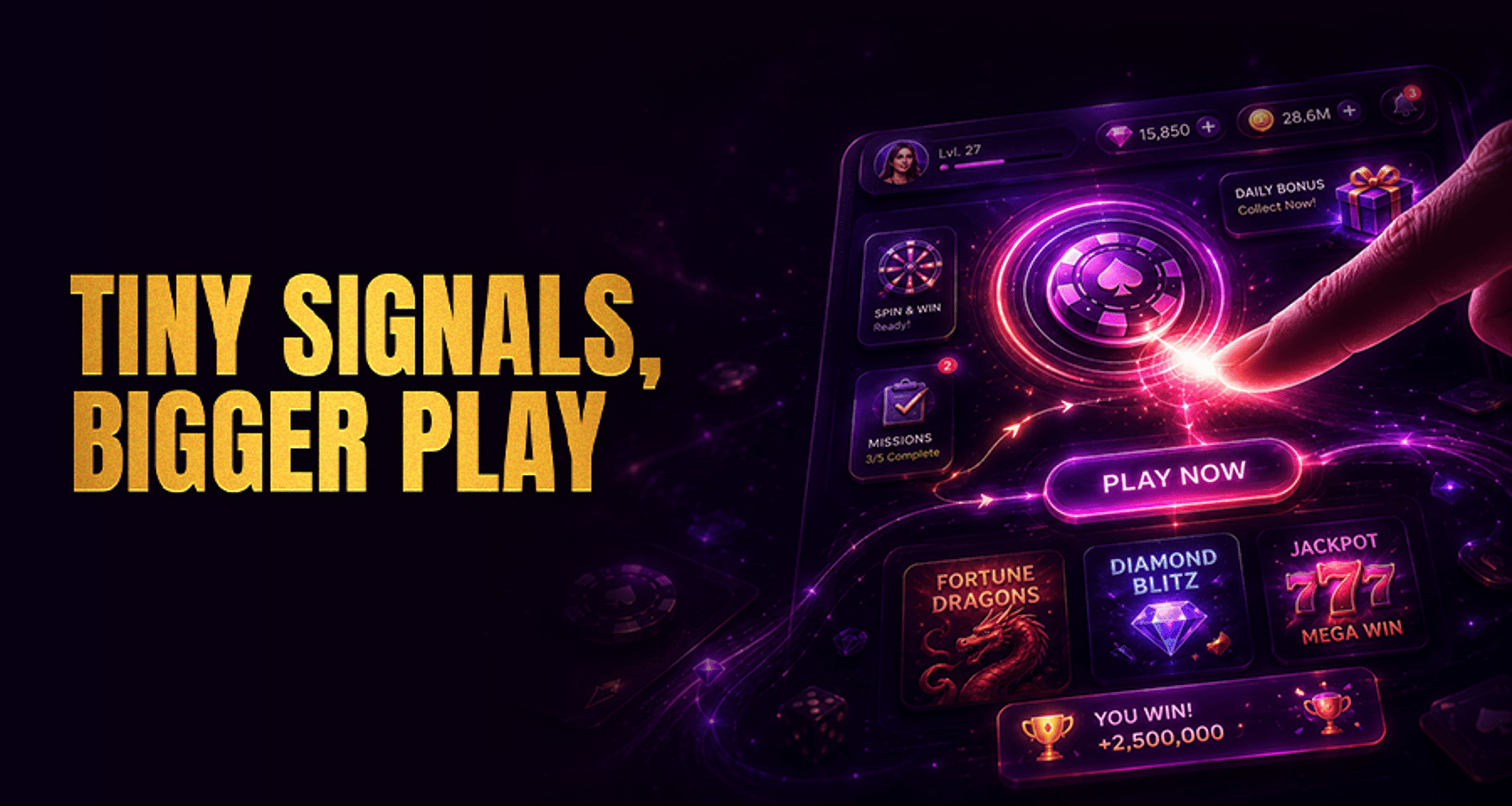
In casino product UX, micro-interactions are the small visual, motion, and feedback cues that help players understand what is happening at each step. They include details such as button responses, loading indicators, progress cues, reward animations, onboarding nudges, and confirmation states.
While these elements are subtle, they play an important role in how clearly a platform communicates with players.
For operators, the value of micro-interactions is not about decoration. It is about reducing uncertainty, improving session flow, and helping players move through the lobby, account actions, and gameplay transitions with less hesitation.
When used well, micro interactions improve player engagement by making the interface feel more responsive, easier to read, and more intuitive to navigate.
What Micro-Interactions Mean in Online Casino UX
A micro-interaction is a contained response to a player action or system state. In an online casino environment, that could mean a deposit button changing state after selection, a loading animation that reassures the player a game is opening, or a quick confirmation message after a bonus is claimed.
In practice, these small moments shape how players interpret the platform. A clear response tells them their tap worked, their action is processing, or the next step is available. Without that feedback, even a well-designed interface can feel uncertain or slow.
This matters across different product contexts. A player browsing table games may need cues that help compare categories quickly, much like the structuring used in a casino game style guide. Another player moving between wallet actions and games may respond better when transitions are clearly signposted rather than left visually silent.
Why Small UI Responses Matter for Player Engagement
Player engagement is often influenced by continuity. If the interface feels confusing, delayed, or inconsistent, players may pause, backtrack, or leave the flow entirely. Micro-interactions help reduce these breaks by confirming actions and guiding attention.
For example:
Button feedback shows that a tap or click has been registered
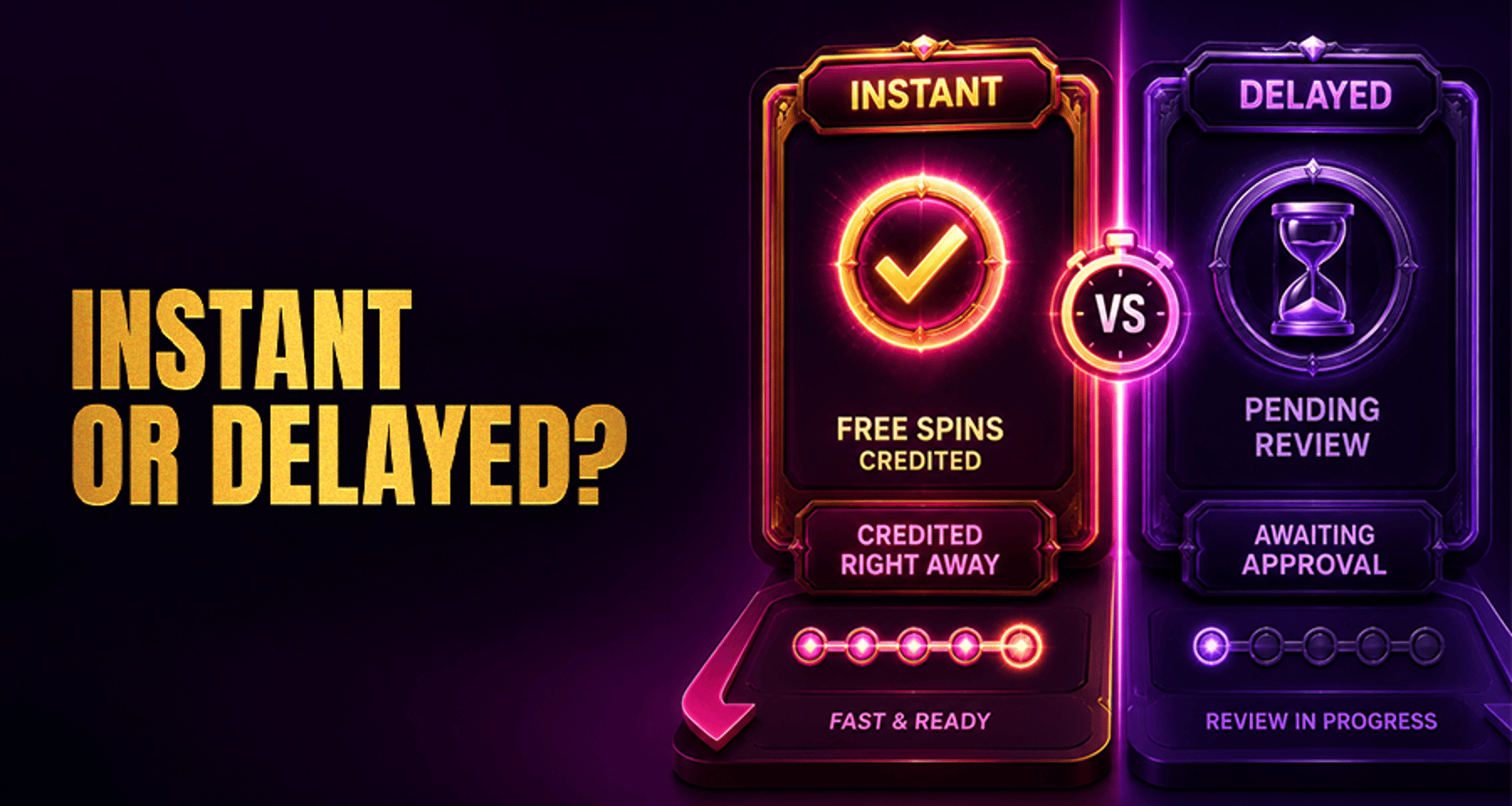
Loading states reduce uncertainty during game launch or wallet processing
Progress indicators make multi-step registration or onboarding easier to follow
Confirmation states reassure the player after completing an action
Reward animations can highlight achievement moments without requiring extra explanation
These cues do not guarantee retention or conversion outcomes. However, they can support smoother sessions by making the product easier to interpret. In operator terms, that may contribute to stronger session continuity, clearer feature discovery, and lower friction at key decision points.
Key Touchpoints Where Operators Can Use Micro-Interactions
Not every part of the interface needs motion or feedback layers. Operators should focus first on moments where players are most likely to hesitate, question the system, or abandon a process.
Lobby and game discovery
In the lobby, players make fast decisions. Micro-interactions can support category browsing, search use, and game card selection through hover states, active filters, saved preference cues, and subtle transitions between sections. These patterns help players understand where they are and what changed after each input.
Registration and onboarding
Registration is one of the highest-friction journeys. Progress bars, inline validation, password guidance, and step confirmations can reduce confusion without overwhelming the user. Onboarding nudges can also highlight where to start, what to explore next, or how to return to unfinished setup.
Deposits and wallet actions
Deposit flows need especially clear system feedback. Players should see when a method is selected, when a request is processing, and when a transaction is complete or needs correction.
Clear state changes matter even more in crypto-facing environments, where users often expect fast but visible confirmation logic. Content that deals with tracking and activity visibility, such as Real-Time Gambling Monitoring, reflects how important clear feedback is when users want to know what is happening behind the interface.
Gameplay transitions
The moment between lobby and live game, or between rounds and feature screens, can create unnecessary tension if the platform appears idle. Transitional loading cues, entry animations, and status prompts can make those handoffs feel intentional instead of interrupted.
Rewards, missions, and loyalty areas
Reward zones benefit from progress cues, claim confirmations, countdown feedback, and milestone animations. These micro-interactions can help players notice value that already exists in the product rather than overlooking it because the interface does not surface it clearly.
Examples of Effective Micro-Interactions in Casino Products
Operators do not need complex animation systems to improve UX. Often, the best micro-interactions are the most functional.
Some useful examples include:
A deposit button that changes color and label once selected
A game launch spinner paired with a short “loading game” message
A step tracker during registration or verification flows
A reward badge that pulses softly when a new mission is available
A tooltip or nudge that introduces a newly launched feature
A clear success state after claiming a bonus or updating account details
A subtle vibration-style visual effect on invalid form fields to signal correction is needed
The most effective examples are tied to player intent. A user exploring strategy content may appreciate clear categorization and discovery support, while someone moving quickly into gameplay may need fast confirmation and minimal interruption.
Even content structures used in guides like Outside Bets Roulette Guide show how clarity and sequencing affect how easily users absorb information and act on it.
How Micro-Interactions Reduce Friction and Build Confidence
Friction often comes from uncertainty rather than effort alone. Players may hesitate because they are unsure whether a button worked, whether a page is loading, whether a reward was added, or whether they should move to the next step.
Micro-interactions address that by answering silent questions in real time:
Did my action register?
Is the system working?
What happens next?
Did I complete the step?
Is there something new worth exploring?
When the interface consistently answers those questions, navigation feels clearer. That can support longer, smoother sessions and better feature discovery, especially for returning players who want the platform to feel predictable.
For brands with a premium dark casino style, like HunnyPlay’s visual direction, this is also a presentation issue. Micro-interactions should reinforce the atmosphere of control and polish, not clutter the interface.
Subtle glow, motion restraint, and high-contrast state changes tend to work better than overly flashy effects.
What Operators Should Measure After UX Changes
Micro-interactions should be evaluated like any other product change. Operators should not assume they are helping just because the interface looks more polished.
Useful KPIs and observation points include:
Click-through rate on key lobby modules or featured games
Completion rate for registration, deposit, or reward-claim flows
Drop-off or bounce points within onboarding and wallet journeys
Repeat session patterns after navigation or discovery improvements
Feature adoption for newly surfaced tools, missions, or game categories
Time-to-completion for important multi-step actions
Support or complaint signals related to confusion in key journeys
Session recordings, funnel analysis, and simple before-and-after comparisons can help teams identify whether players are moving with less hesitation. If a micro-interaction is effective, operators may see cleaner flow behavior, even without dramatic headline changes.
Common Mistakes That Make Micro-Interactions Distracting
Micro-interactions can hurt UX when they are overused or disconnected from player needs.
Common mistakes include:
Adding animation where a simple state change would be clearer
Slowing down actions with unnecessary motion
Using inconsistent feedback across similar buttons or flows
Prioritizing visual flair over legibility
Triggering too many prompts, nudges, or celebratory effects at once
Making important confirmations too subtle to notice
The goal is not to make every screen feel animated. The goal is to make the product feel responsive, legible, and dependable.
Final Takeaway
Micro-interactions are small, but their impact on usability can be meaningful when applied in the right places. For casino operators, they are best treated as practical UX tools that help reduce friction, improve navigation clarity, and support smoother player journeys across the lobby, registration, deposits, gameplay transitions, and rewards areas.
Rather than redesigning entire interfaces, teams can start by reviewing high-friction moments and asking where players need more feedback, reassurance, or direction. That approach keeps the work focused and makes it easier to connect UX changes to measurable engagement signals.
FAQ
What are micro-interactions in online casino design?
They are small interface responses such as button feedback, loading states, progress cues, nudges, and confirmations that help players understand actions and system status.
How do micro-interactions affect player engagement?
They can support engagement by reducing uncertainty, improving flow, and making features easier to discover and use. Their effect should be measured rather than assumed.
Where should operators add micro-interactions first?
The best starting points are high-friction journeys such as lobby navigation, registration, deposits, gameplay transitions, and rewards or loyalty sections.
Can micro-interactions improve onboarding and feature discovery?
Yes, they can help players see what to do next, understand progress, and notice useful features that might otherwise be missed.
What metrics should teams track after adding micro-interactions?
Teams should review click-through rate, completion rate, drop-off points, repeat sessions, feature adoption, and other journey-level behavior signals tied to the updated flow.