
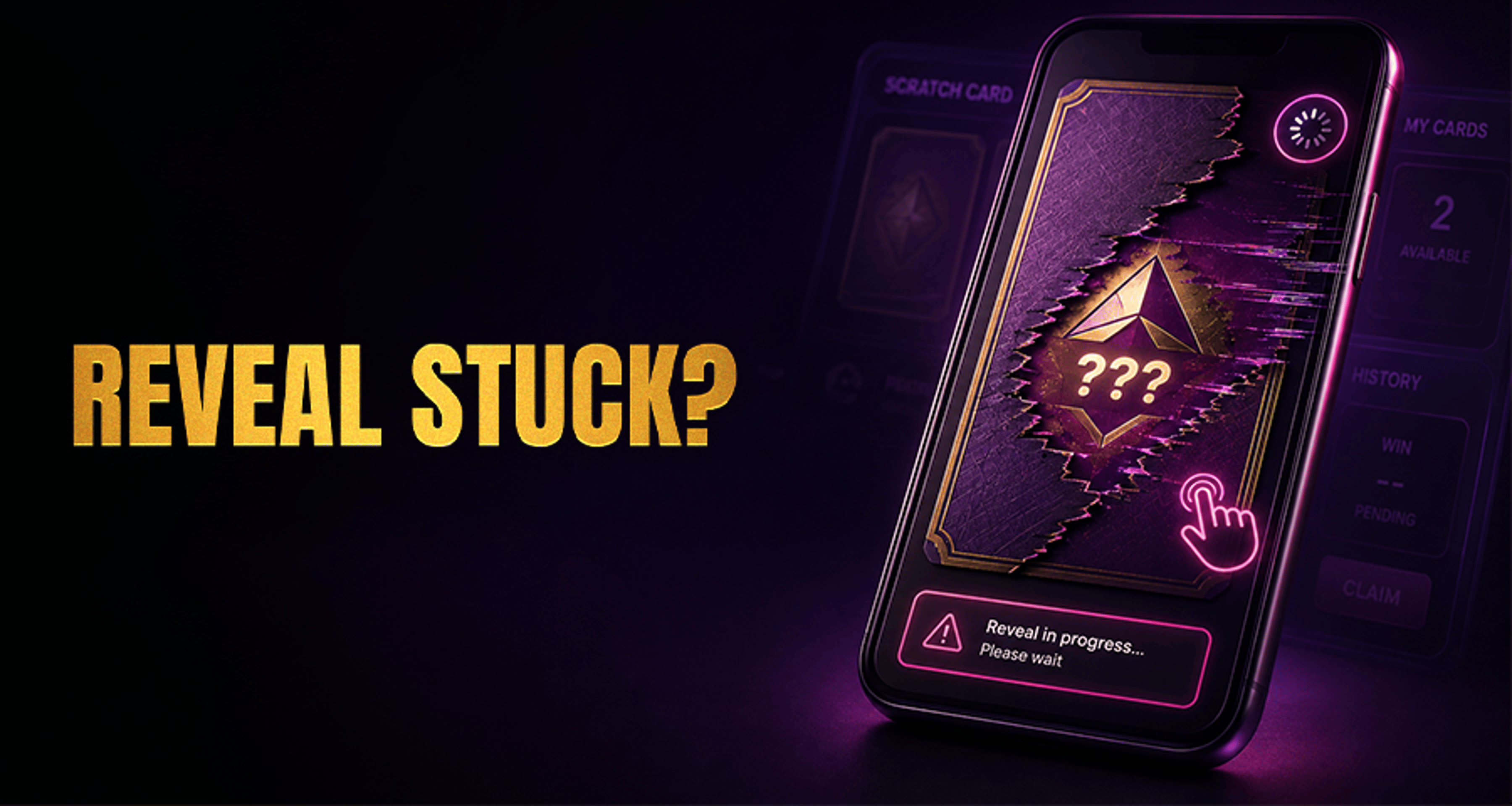
Scratch Card Reveal Error: Frozen, Stuck, or Failed Reveal
A scratch card reveal error happens when the scratch card opens but the reveal animation, result display, or final screen does not finish properly. In plain language, the round may have started, but the result does not
A scratch card reveal error happens when the scratch card opens but the reveal animation, result display, or final screen does not finish properly. In plain language, the round may have started, but the result does not fully show on your screen.
This is different from a completely frozen game round. With a scratch card reveal error, the main problem is usually the reveal or display step rather than the entire game failing to load or settle.
What is a scratch card reveal error?
A scratch card reveal error means the scratch card appears to get stuck during the reveal process. You might see the card partially load, freeze mid-animation, fail to show the outcome, or stop responding after you tap or click.
That does not always mean the round was lost, cancelled, or unpaid. In some cases, the visual reveal fails even though the game state may already have updated in the background.
Why a scratch card reveal can freeze, stick, or fail
Several common issues can interrupt the reveal step:
Unstable internet or a brief connection drop
A page or app that did not load fully
Temporary browser or device performance issues
A session timing out during play
Too many repeated taps or clicks while the reveal is loading
Because scratch cards depend on the result display loading correctly, even a short interruption can leave the reveal looking stuck when the round itself may already be recorded.
What to do if the reveal does not complete
If your scratch card gets stuck during the reveal, use this simple troubleshooting flow:
Wait a few seconds first. A short delay may be enough for the reveal to finish.
Check your connection. Make sure your internet is stable before trying anything else.
Avoid repeated rapid taps or clicks. Pressing multiple times can make the display issue harder to read.
Refresh the page or reopen the app. If you are on mobile, fully close and reopen the game if needed.
Re-enter from your account or game lobby if appropriate. This can help reload the current game state cleanly.
Check whether the round status updated. Before replaying anything, verify whether the wager or result was already processed.
If the problem continues after a refresh or reopen, stop retrying the same action repeatedly and move to checking your account records.
How to check whether the scratch card result already went through
Before assuming the round failed, look for signs that the game may already have completed:
Your account balance changed
The wager appears in transaction history
The round shows in game history or recent activity
A win or loss was already recorded even though the reveal did not display correctly
If these records are available, review them carefully before starting a new round. This can help you avoid duplicate play or confusion about whether the previous scratch card already settled.
If you are unsure how to document what happened, it helps to gather clear evidence first. Useful examples include timestamps and screen captures, and this guide on what screenshots to attach to a casino support request can help you prepare the right details.
When to contact support about a failed reveal
Contact support if the reveal still does not complete after you refresh, reopen the game, and check whether the result was already recorded.
Try to include:
The time the issue happened
The scratch card game name
Your device type
Browser or app details
Screenshots of the stuck reveal or error state
Any transaction ID, round reference, or recent activity record if available
Support may also ask for technical context so they can review what happened more accurately. If you want to know why those details matter, see why support asks for device, browser, and network details.
When contacting support, share only the information needed to investigate the round. Avoid oversharing private data, and review how to avoid sending sensitive wallet information to support before sending documents or account details.
Scratch card reveal error vs. a frozen game round
A scratch card reveal error is usually about the result display not finishing properly on screen. A frozen game round is a broader issue that can involve the whole round getting stuck, loading incorrectly, or not appearing to settle.
If your issue is not limited to the reveal step and the full round seems unresponsive, you may need broader troubleshooting. In that case, start with a general guide to stuck rounds such as Online Casino Complaints Fix Issues Get Paid Fast.
FAQ
What does scratch card reveal error mean?
It means the scratch card opened, but the reveal animation or result display did not finish correctly. The problem is usually with the display step rather than proof that the round disappeared.
If the scratch card reveal freezes, is my result lost?
Not necessarily. In some cases, the round may already be recorded in your balance, transaction history, or game activity even if the result did not fully appear on screen.
Should I refresh the page when a scratch card gets stuck?
Yes, but only after waiting briefly and checking your connection. Refresh once or reopen the app, then verify whether the game state updated before trying again.
How can I tell if the scratch card round already completed?
Check your account balance, transaction history, game history, or recent activity if those records are available. Those records may show whether the wager or result was already processed.
What details should I send support for a failed scratch card reveal?
Send the game name, time of the issue, device, browser or app details, screenshots, and any round or transaction reference you can find. That gives support the best chance of checking the round accurately.
If the reveal still fails, the safest next step is to retry carefully, confirm whether the round already went through, and then contact support with clear evidence.





